Endpoints
When you want more granularity in your security policies than virtual networks and routing zones can provide, you'll use endpoints. Endpoints can be internal or external to the fabric. You can also combine endpoints into groups.
Endpoints and security policies can be applied to Layer 2 IPv4 blueprints. (Blueprints with IPv6 applications enabled are not supported.) For more information about working with security policies, see Security Policies.
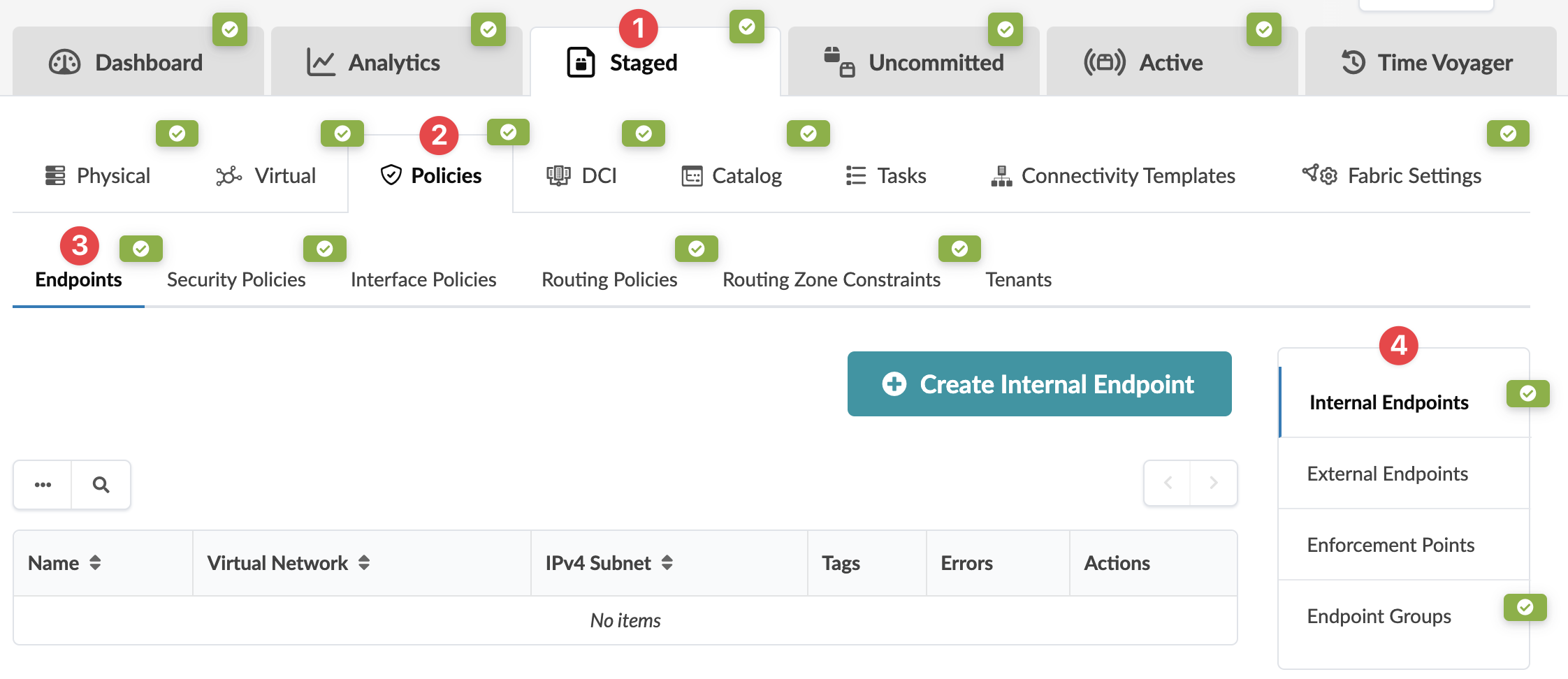
From the blueprint, navigate to Staged > Policies >
Endpoints to go to endpoints. Click the name of a section to go to its
table view. You can create, edit and delete endpoints. Then, when you create a security
policy you'll select the endpoints that you've created.