Unlink a Teams Account from Mist
To unlink a Teams account from a Mist organization:
In the Mist portal, select
Organization
>
Settings
.
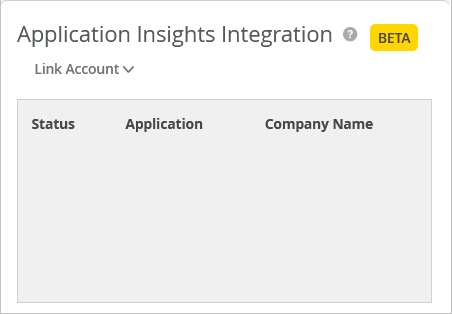
Under Application Insights Integration, click the account that you want to unlink.
Click
Unlink Account
.
You can see that the Application Insights Integration section no longer lists the account.
 You can see that the Application Insights Integration section no longer lists the account.