Find Your Organization ID
Look up your organization ID, which Juniper Mist™ automatically assigns when you create a new organization.
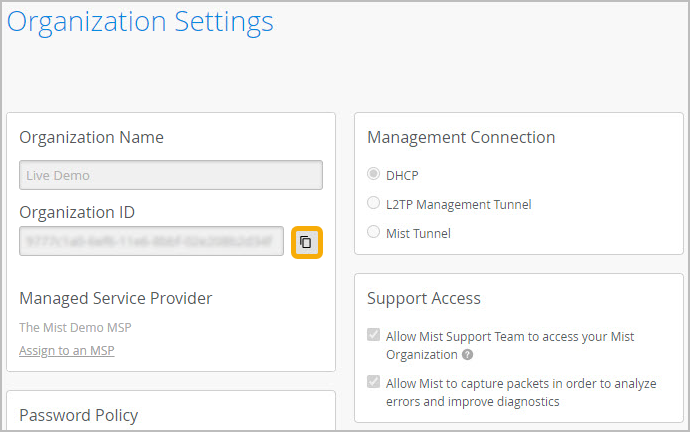
From the left menu, select Organization > Admin > Settings. The Organization ID appears near the top of the page. You can use the copy button to quickly copy this long string.
Note:
Juniper Mist generates this ID, which you cannot change.