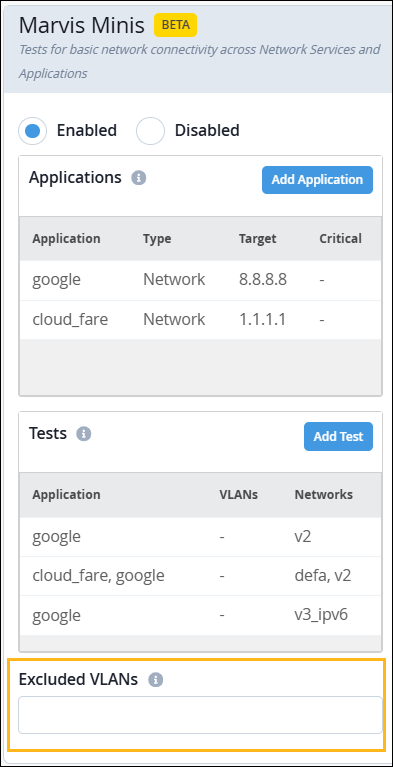
Exclude VLANs from Marvis Minis Validation
Follow these steps if you want to exclude some of your VLANs from the validation tests.
You can add a list of all the VLANs for which you do not want Marvis Minis to run an application reachability check. You can exclude VLANs at the org level and site level:
-
In the Excluded VLANs field, enter the VLANs that you want
Marvis Minis to exclude during the
validation.
You can also use site variables to specify the VLANs that need to be excluded. VLAN IDs mapped to the variables are excluded from the Marvis Minis validations. Ensure that you define the variables in the Site Variables section of each site's settings. For information about site variables, see Configure Site Variables.