Cellular Edge Insights
Investigate issues affecting Cellular Edges.
Finding the Insights for Cellular Edges
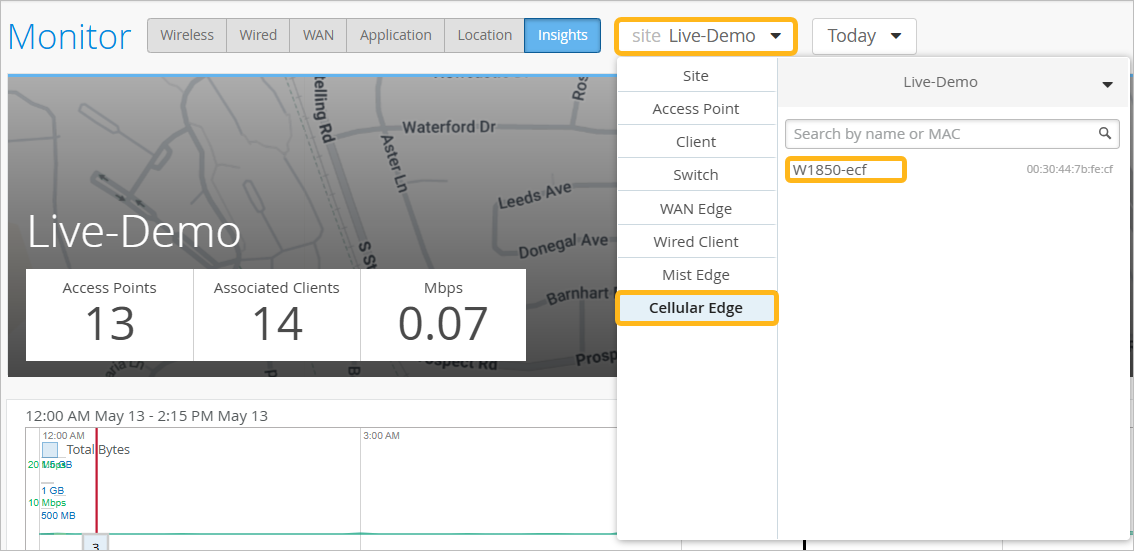
Go to the Insights page. In the site menu at the top of the page, click Cellular Edge. Then click the device that you want to view.
Cellular Edge Events
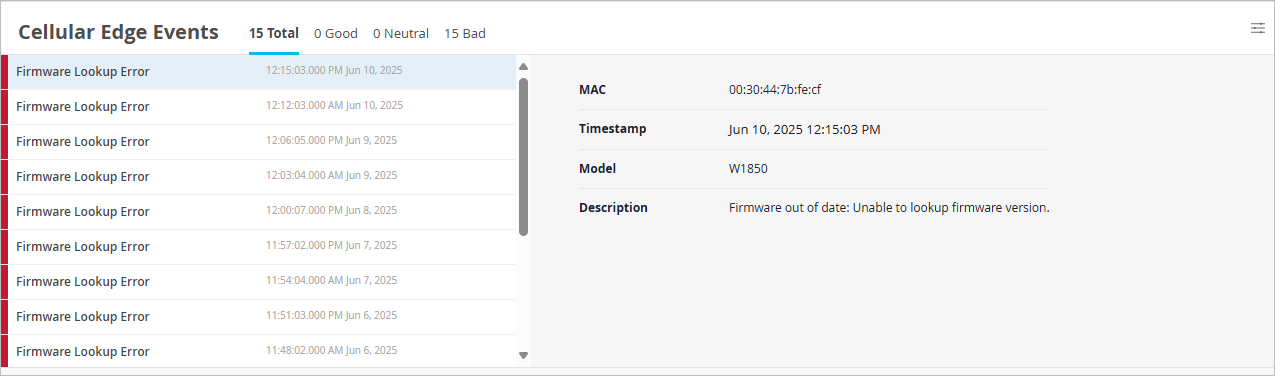
The Cellular Edge Events section provides a list of events.
Use the tabs at the top of this section to show all, good, neutral, or bad events.
Click an event to see a summary on the right side of the page.
Cellular Edge Event Types
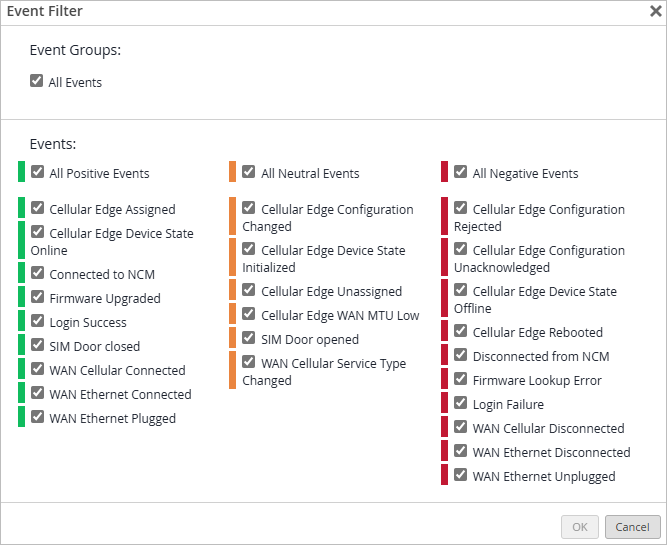
To select the event types to include, click the settings button at the top-right corner of the Cellular Edge Events section.

In the Event Filter pop-up window, select or clear the check boxes to show or hide the events. Click OK to save your settings.
|
Positive Client Events |
Neutral Client Events |
Negative Client Events |
|---|---|---|
|
Cellular Edge Assigned Cellular Edge Device State Online Connected to NCM Firmware Upgraded Login Success SIM Door closed WAN Cellular Connected WAN Ethernet Connected WAN Ethernet Plugged |
Cellular Edge Configuration Changed Cellular Edge Device State Initialized Cellular Edge Unassigned Cellular Edge WAN MTU Low SIM Door opened WAN Cellular Service Type Changed |
Cellular Edge Configuration Rejected Cellular Edge Configuration Unacknowledged Cellular Edge Device State Offline Cellular Edge Rebooted Disconnected from NCM Firmware Lookup Error Login Failure WAN Cellular Disconnected WAN Ethernet Disconnected WAN Ethernet Unplugged |
Current Values for Cellular Edges
The Current Values section appears toward the bottom of the Insights page.
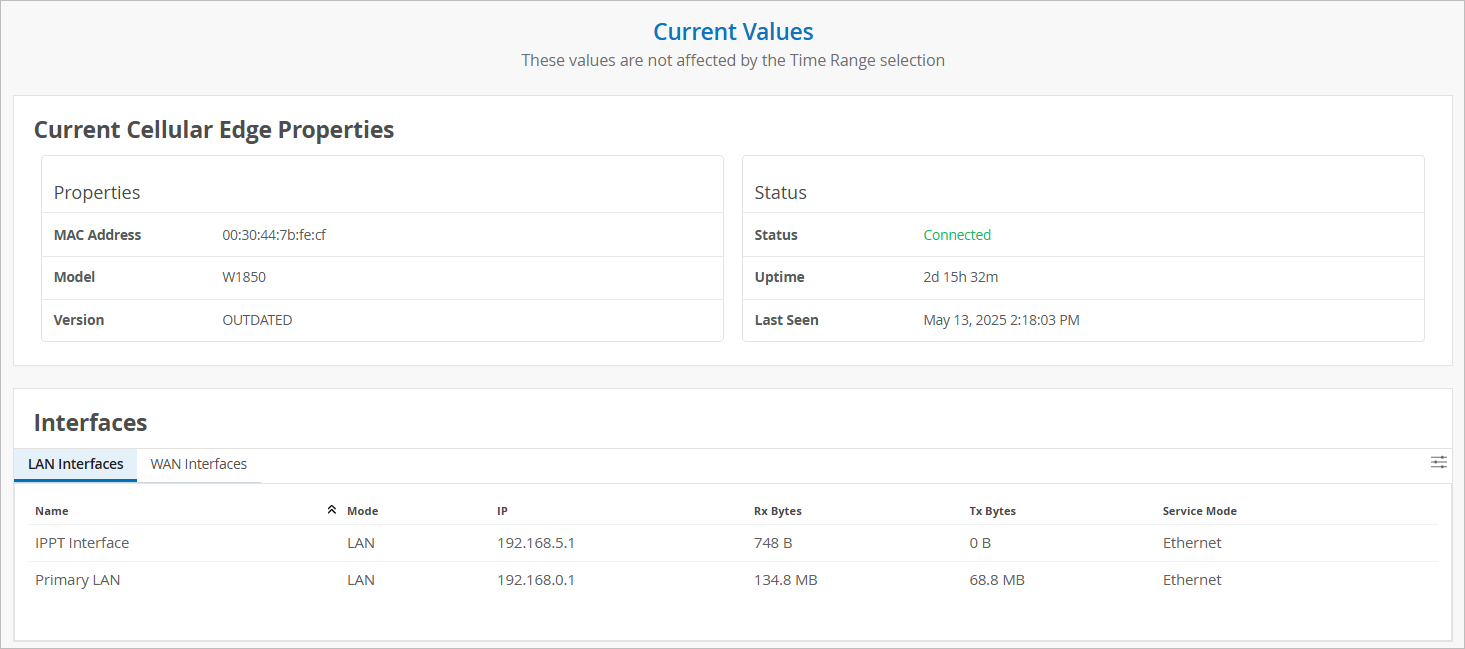
The values in this section don't change when you adjust the time range selection at the top of the page.
When you select a Cellular Edge as the context, the Current Values section includes:
-
Current Cellular Edge Properties—MAC address, model, version, connection status, and uptime
-
Interfaces—RX/TX Bytes and related information for all LAN and WAN interfaces