Delete a Webhook in the Juniper Mist Portal

Follow these instructions to remove a webhook by using the Juniper Mist™ portal.

If you no longer need a webhook, delete it.

To delete a webhook:

  1. From the left menu of the Juniper Mist portal, navigate to the organization or site settings:
    • For organization-level webhooks, select Organization > Settings.

    • For site-level webhooks, select Organization > Site Configuration, and then select the site.

  2. Scroll down to the Webhooks section, and click the webhook that you want to delete.
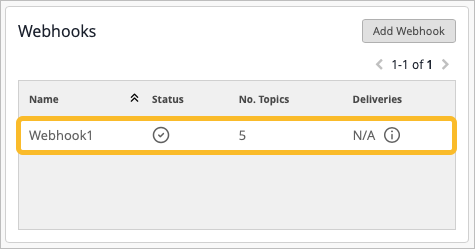
    User interface for managing webhooks with Add Webhook button, a table showing one entry: Webhook1 active with 5 topics and deliveries marked as N/A.

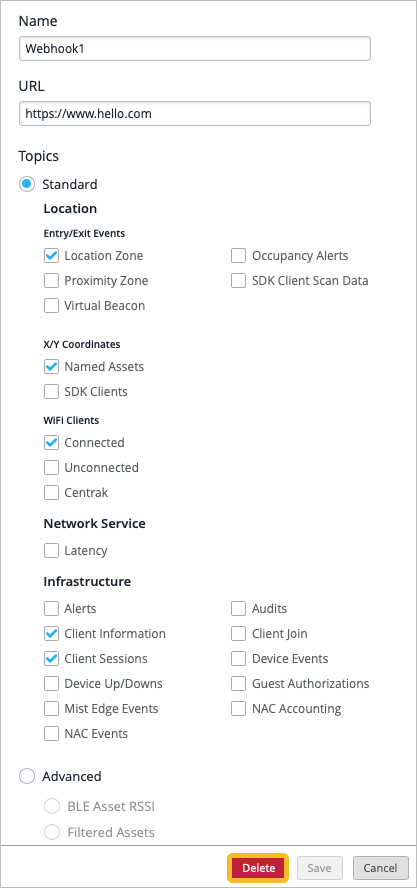
  3. Click Delete.

    Configuration interface for setting up a webhook named Webhook1, sending data to https://www.hello.com. Topics include Standard, Location Zone, Named Assets, Connected WiFi Clients, Client Information, Client Sessions, Device Up/Downs. Advanced section is collapsed. Buttons: Delete, Save, Cancel.