Select Alerts and Events to Monitor
After you enable webhooks, select the alerts and events that you want to
monitor.
-
Click Alerts Configuration (near the top right corner of the
page).

-
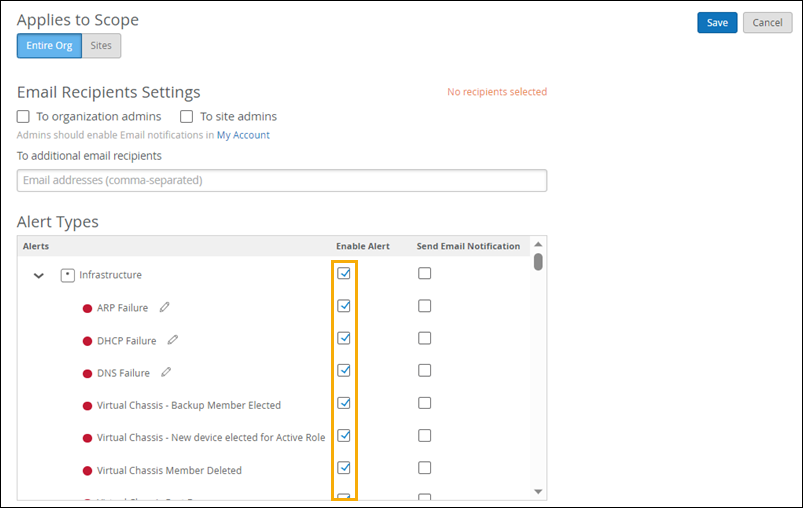
Select the check box for each type of alert or event that you want to monitor.
Note:
If you want to select all options in a category, such as Infrastructure, select the check box at the top of that section.
Example