Racks (Active)
Racks
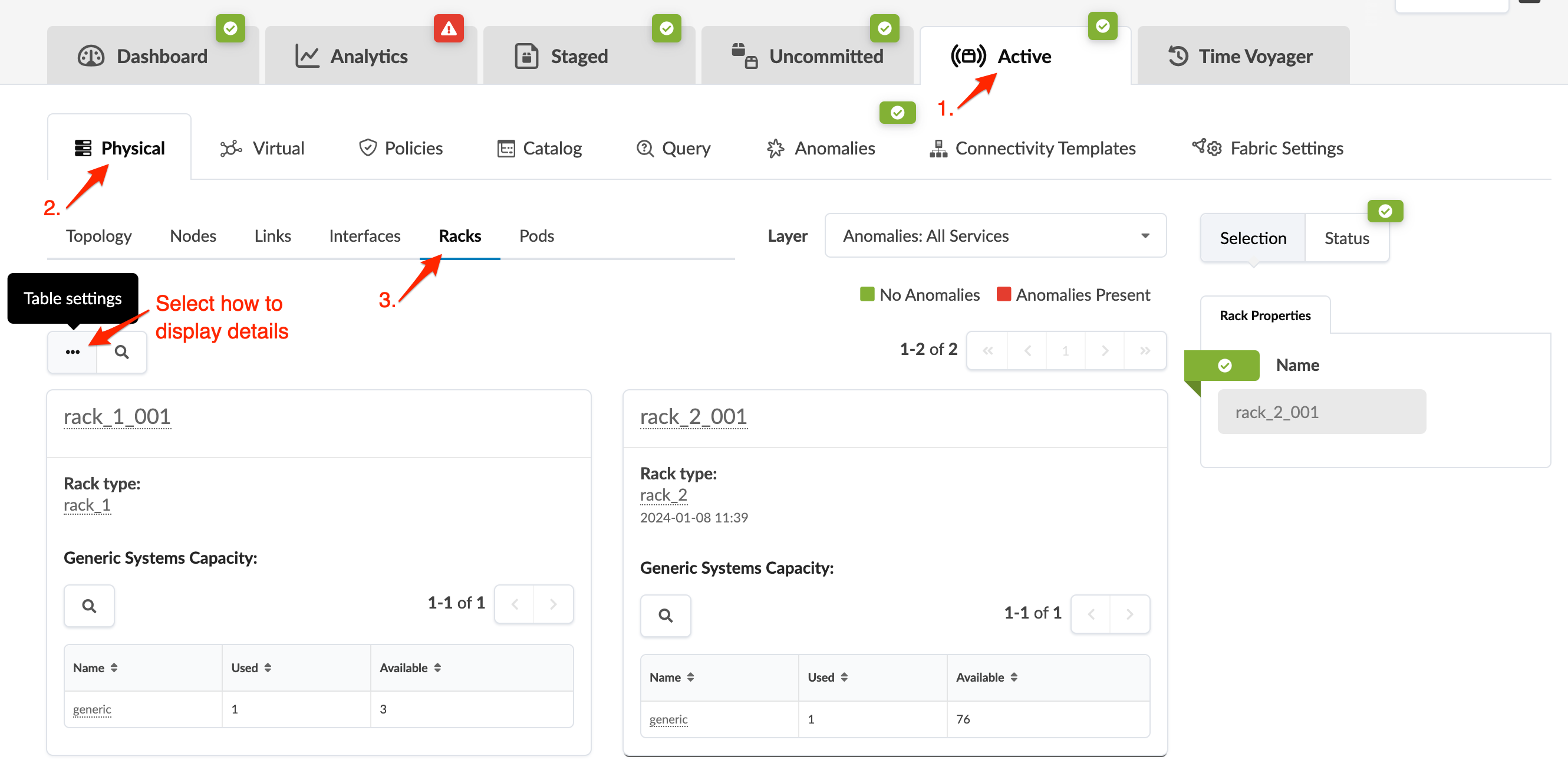
To go to rack details in the active blueprint, navigate to Active > Physical > Racks. You can change the default view from a table to a list in the table settings.
To go to rack details in the active blueprint, navigate to Active > Physical > Racks. You can change the default view from a table to a list in the table settings.