Select Processor
Introduction
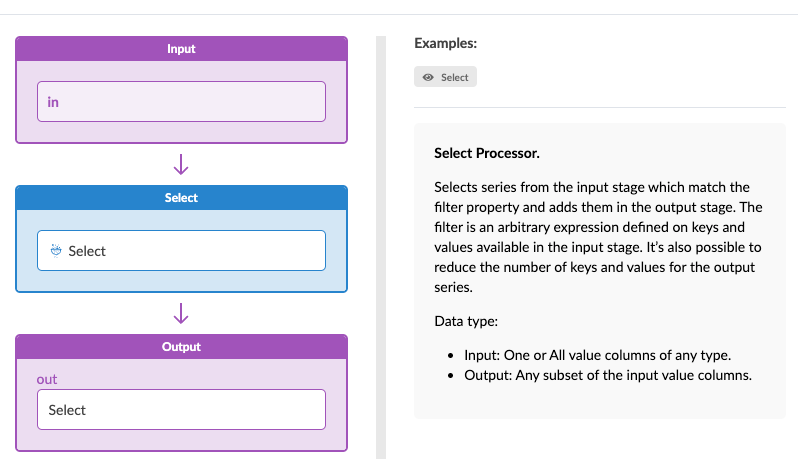
HPE Networking Apstra Data Center Director 6.0 introduces the Select Processor, a generic processor that can be applied to almost any stage in an IBA probe’s analytics pipeline. The Select Processor lets you filter a stage by selecting only those series which match filtering criteria. This is useful when a stage contains many series and you want to split them into separate stages to apply different analytics processors to them. Additionally, because the filtering is flexible, you can segment data not only by keys but also by values which was previously not possible.
Select Processor Overview
The Select Processor functions like a filter in the IBA probe processing pipeline. It can be applied to a stage, which contains a huge dataset, in order to narrow down it down into a subset of that data.
Select Processor Parameters
The Select Processor has the following parameters:
-
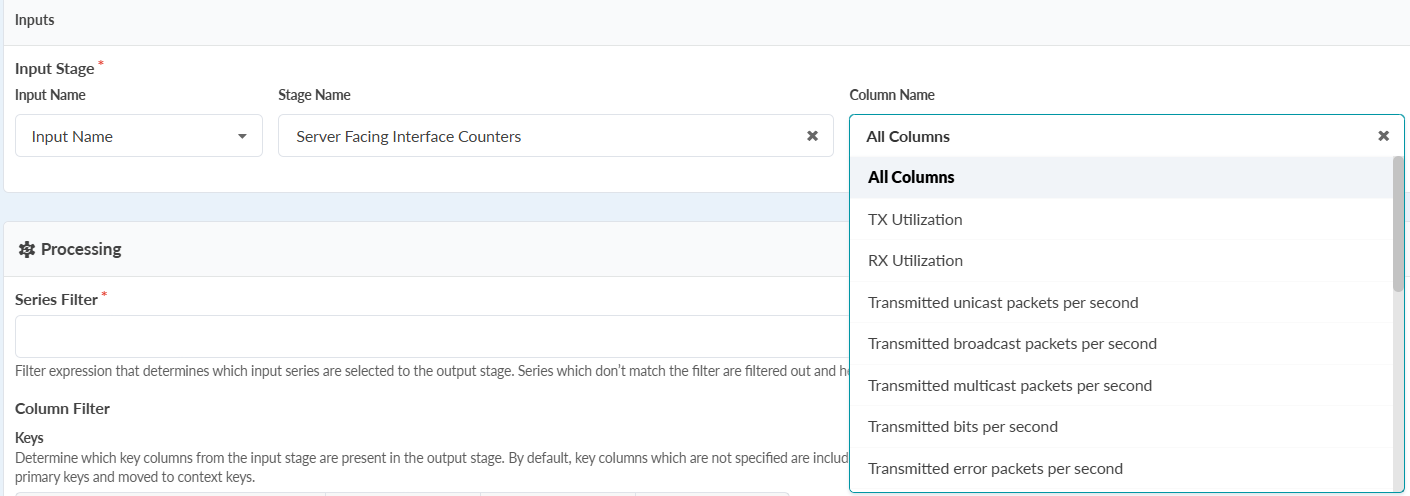
Input Stage: Choose the stage source for your processor, such as "Server Facing Interface Counters." You can choose a specific column or select "All columns" to include the entire dataset for filtering.
-
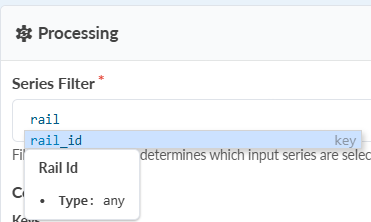
Series Filter: The Series Filter lets you define which series to include based on key attributes. This field supports autocompletion, suggesting available keys and providing syntax suggestions as you type.
You can include data by static keys like
rail_idordevice_id, but also by dynamic values such astx_utilizationor error rates. Since value columns can change with each metric collection, the Select Processor automatically updates the output stage in real time.The series filter supports the following matcher syntax:
- =, !=
- <, >
- and, or
- ~= <regex>
- @= (from, to) - in range
- ?= (from, to) - in IP range
- in [<v1>, <v2>, <v3>] - in set
- not in [<v1>, <v2>, <v3>] - not in set
-
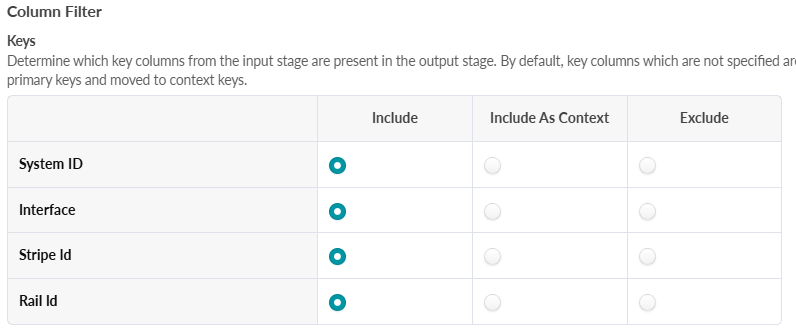
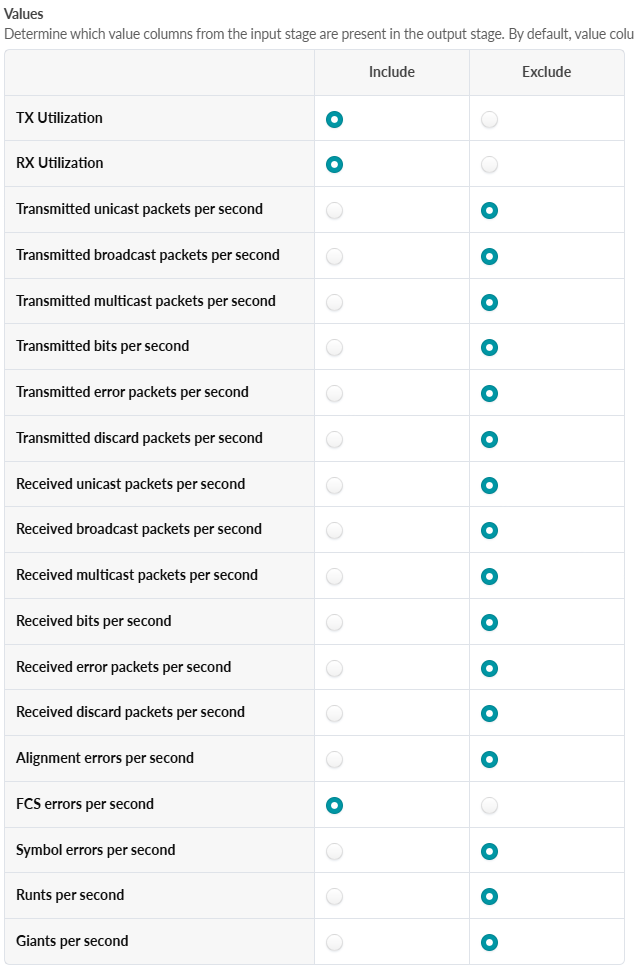
Column Filter: The Column Filter allows you to select which key columns and value columns to include or exclude in the output stage.