Show HPE Networking Apstra Data Center Director ZTP Logs

To assist with troubleshooting, you can access various ztp logs directly from the Apstra DC Director ZTP GUI (as of Apstra DC Director version 5.0.0).

  1. From the left navigation menu of the Apstra DC Director ZTP GUI, click Logs.
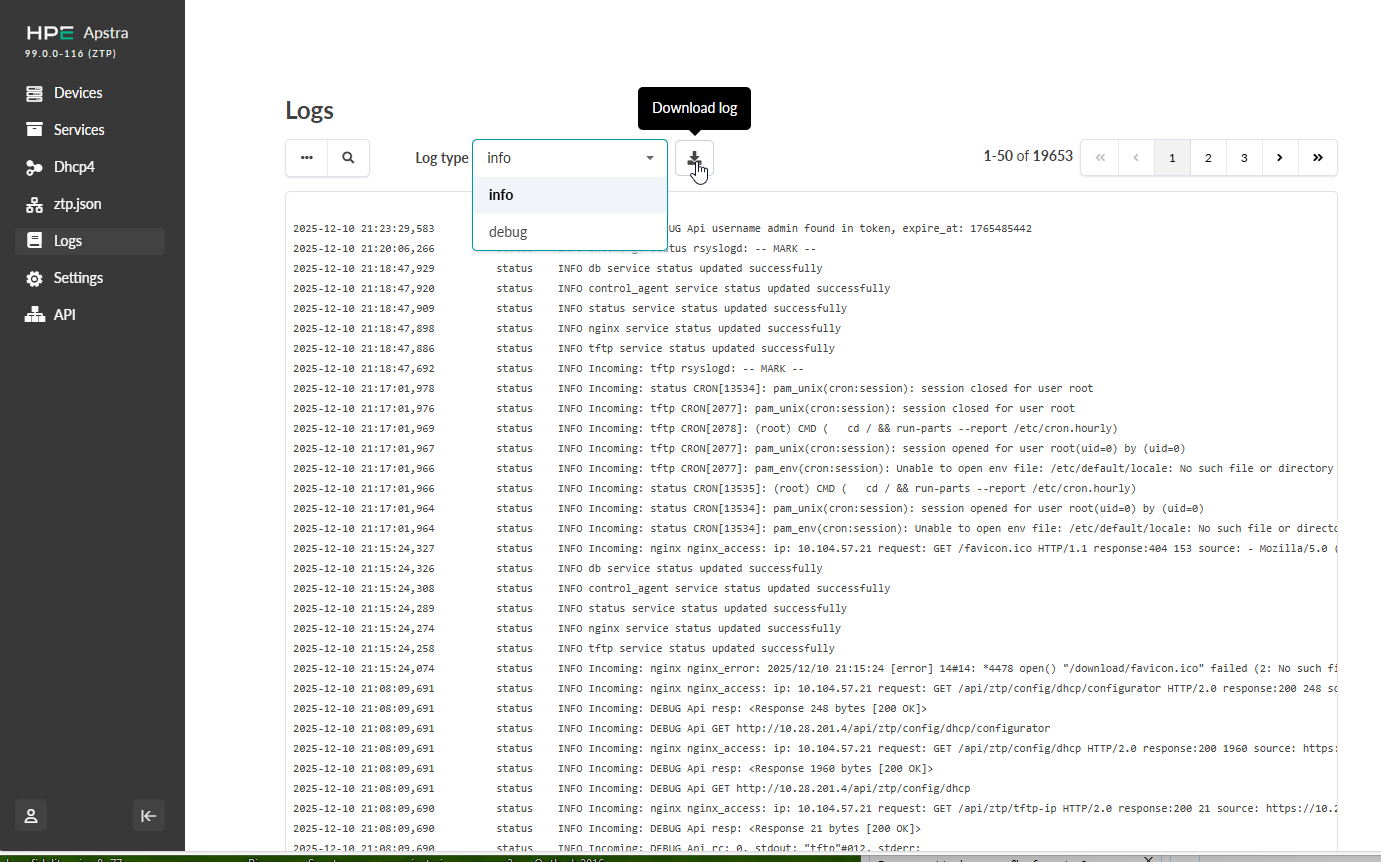
    User interface for managing logs in HPE Apstra with sidebar menu, log entries, filtering options, download button, and pagination controls.
  2. From the Log type drop-down list, select the log type to show: info, debug, rsyslog.
  3. If you want to download the log, click the Download log button.