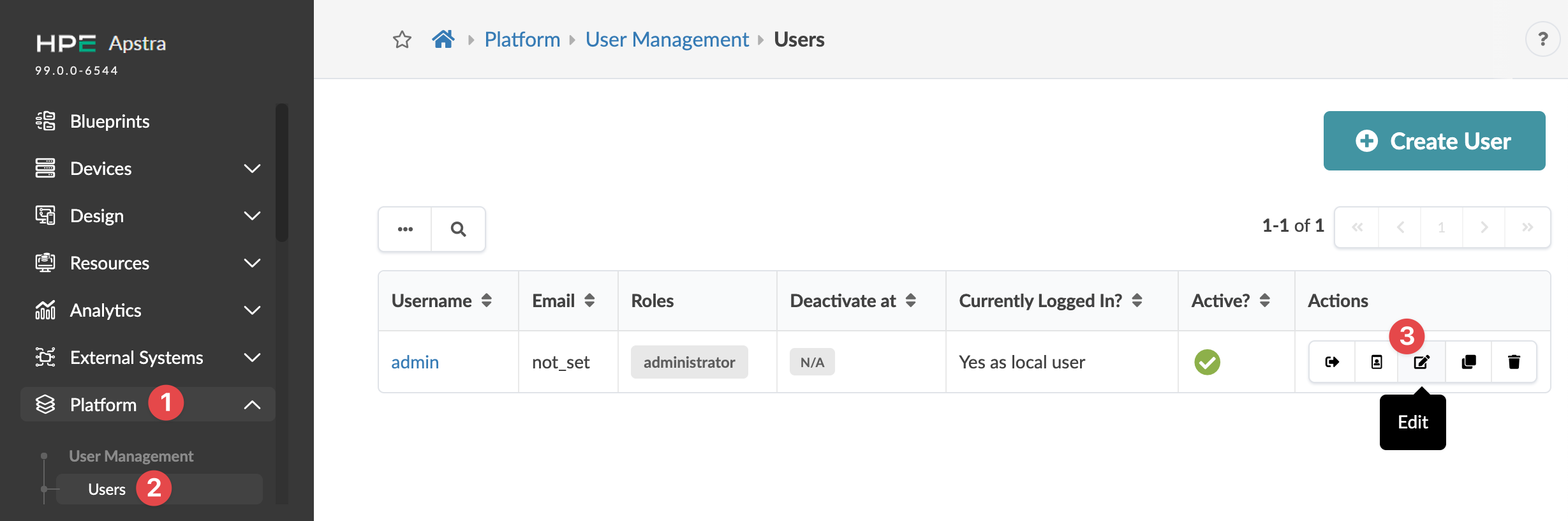
From the left navigation menu, navigate to Platform > User Management
> Users and click the Edit button in the
Actions panel, for the user profile to update.
Change roles and/or other details, as needed.
Click Update to update the user profile and return to the table
view.