Delete Template
You can delete blueprint templates using the GUI.
Do not delete a template if it's referenced by a blueprint.
To delete a template in the GUI:
-
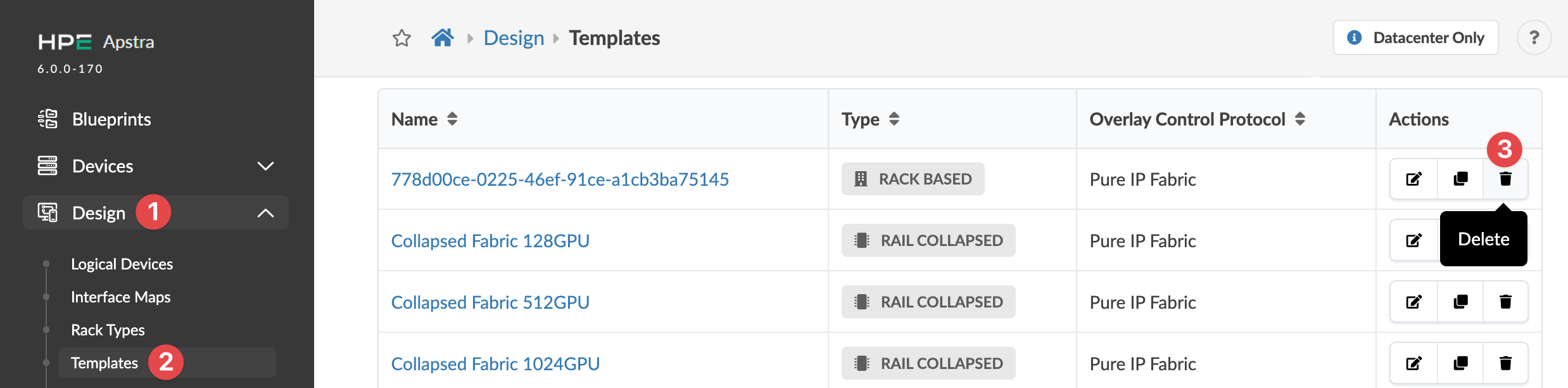
From the left navigation menu, navigate to Design > Templates
and click the Delete button in the Actions panel on the
right for the template to delete.
 The Delete this resource? dialog opens.
The template is deleted and you're returned to the
Templates table view.