Set Software Support Reference Number (SSRN)
Add a Software Support Reference Number (SSRN) to the GUI to assist with matching show tech and backup files with specific customers.
Adding the SSRN to the GUI is optional on Apstra version 5.1.0.
To add or change an SSRN from the GUI:
-
From the left navigation menu, navigate to Platform > Technical Support and
click the edit button for SSRN.
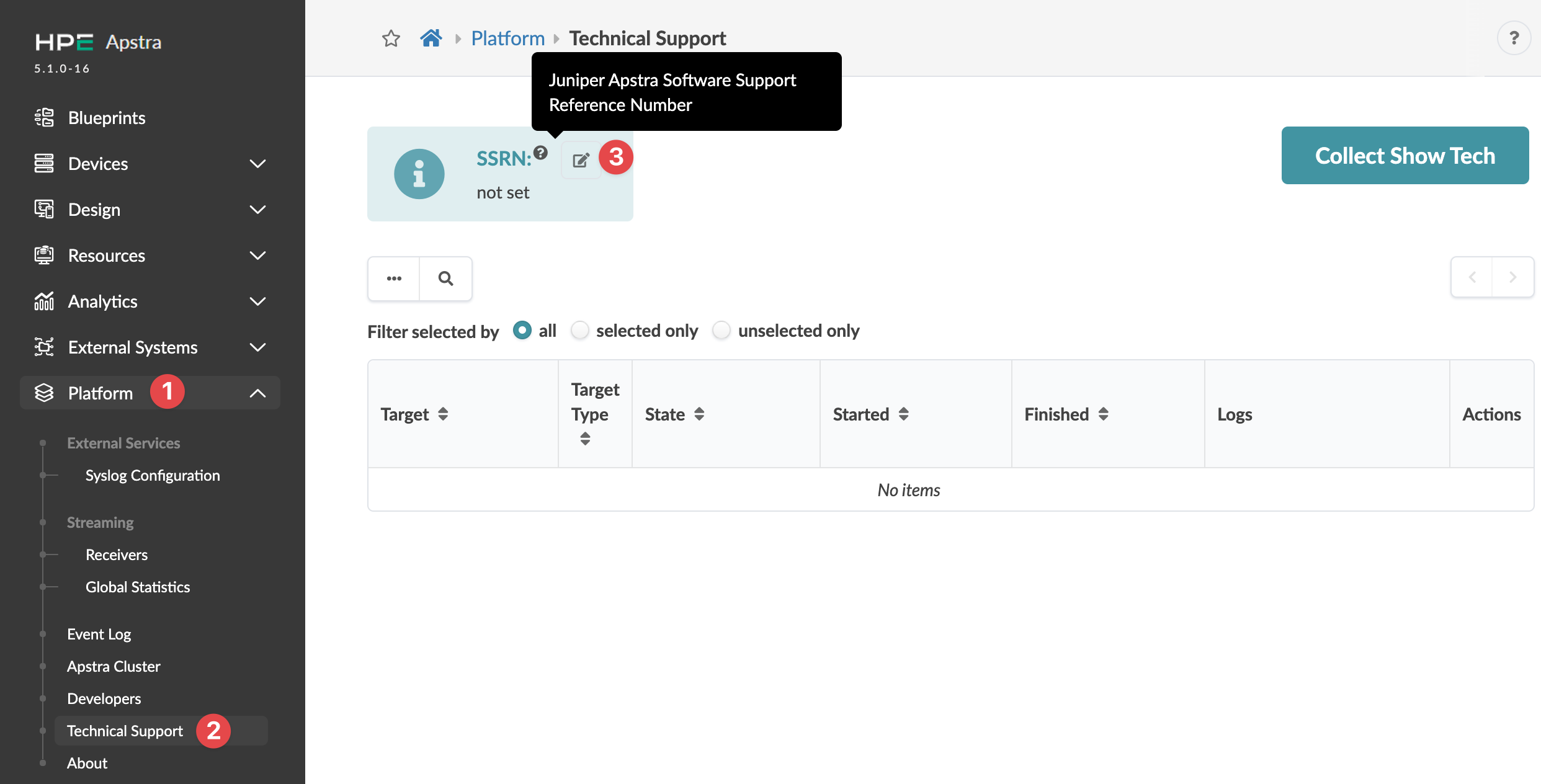 The Edit SSRN dialog opens.
The SSRN will now be included on show techs and
backups.