Update Routing Policy
-
From the blueprint, navigate to Staged > Policies > Routing
Policies, then in the table, click the Edit button
for the policy to update. (You can also update a routing policy from the details view of
that routing policy.)
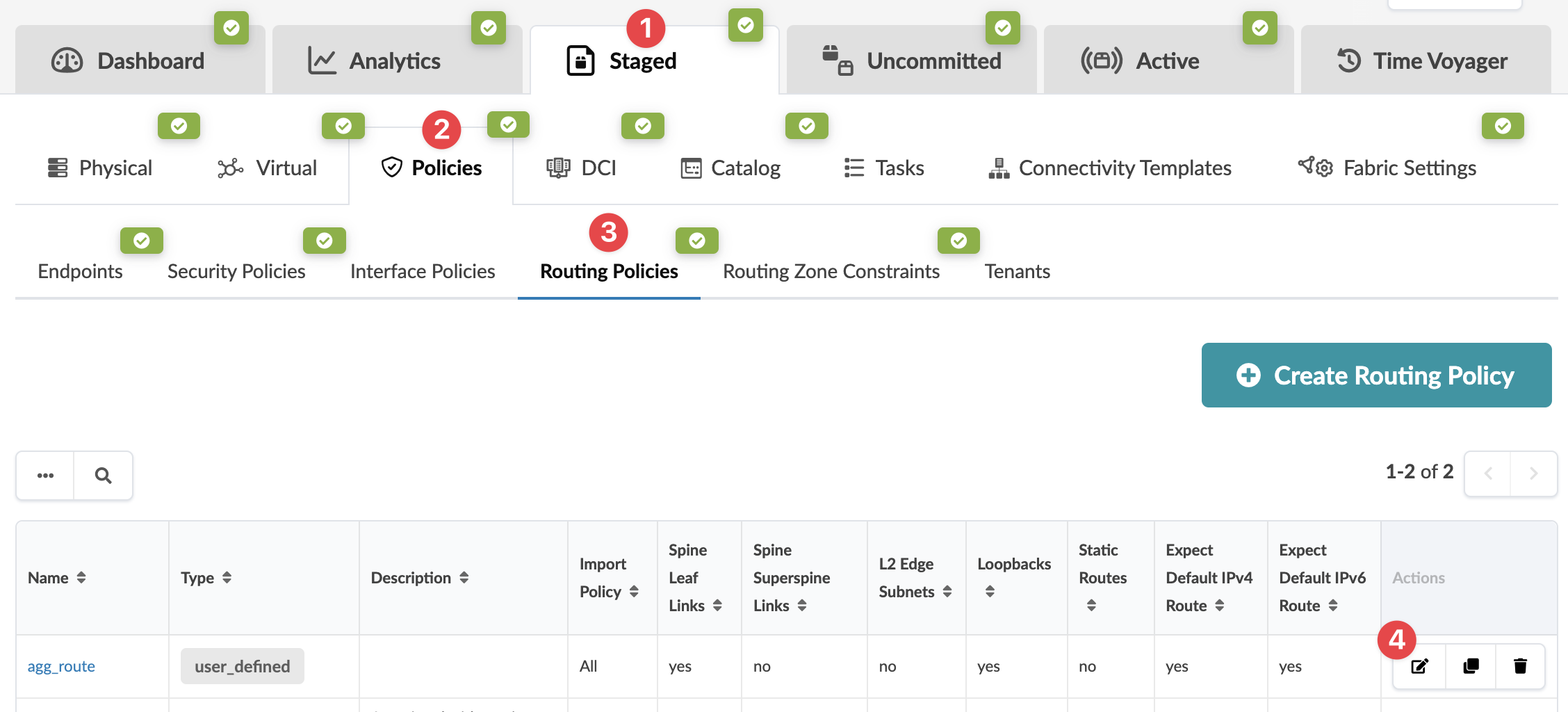 The Edit Routing Policy dialog opens.
When you're ready to activate your changes, go to the Uncommitted tab to review and commit (or discard) your changes.