Provision Virtual Networks Based on Rail Membership
As of version 6.0, you can easily create and assign VNs to rails, based on blueprint configuration.
Version 6.0 introduces a streamlined VN provisioning process. You can select a rail and a VN is automatically created for that rail. As a result, you can assign and manage many VNs in an AI fabric with multiple rails.
The key features of provisioning VNs in version 6.0 include:
-
Automatic VN creation with pre-assigned rail membership based on blueprint configuration
-
Bulk provisioning of VNs across multiple rails
-
Automatic VN assignment to all interfaces within a rail
To provision a VN based on rail membership:
-
From within your blueprint, navigate to Staged > Physical >
Rails.
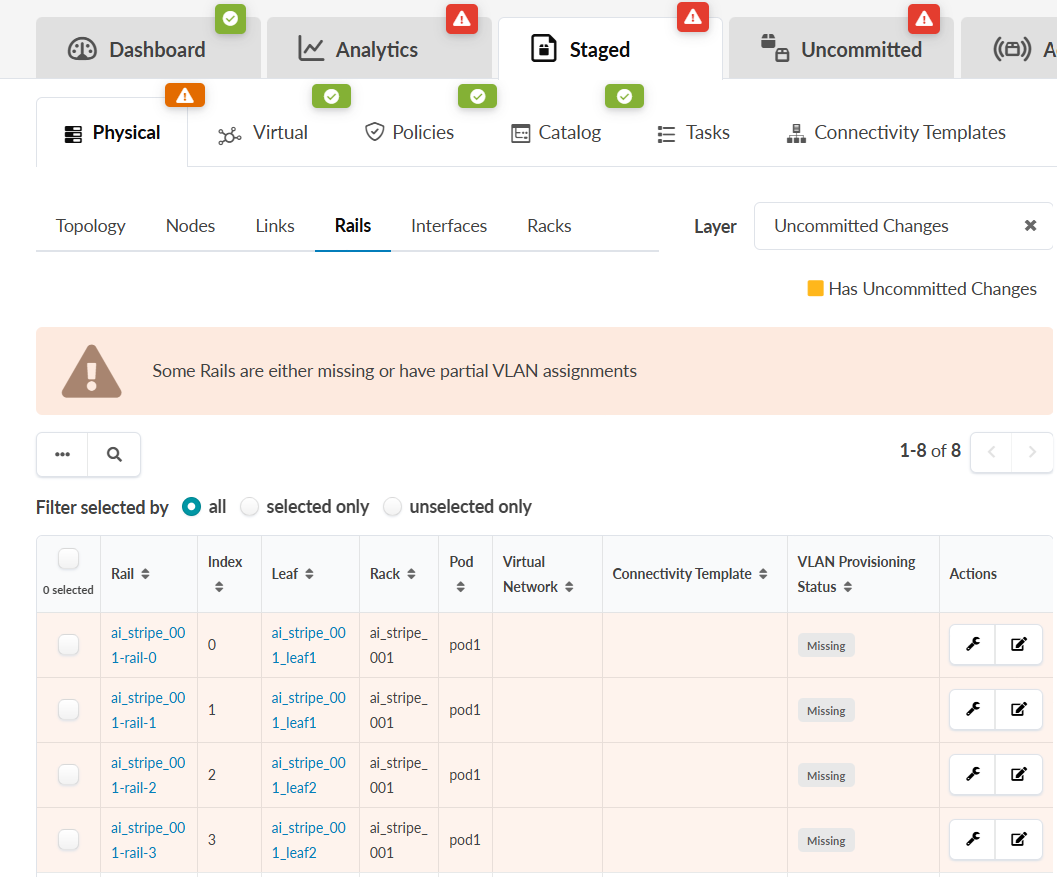
A list of rails displays. In the following image, note that the "VLAN Provisioning Status" column shows "Missing" for several rails. The available states are:
-
Missing: No VNs assigned to any leaf interfaces.
-
Mixed: Multiple VNs assigned to leaf interfaces.
-
OK: All leaf interfaces have a single VN assigned.
-
Partial: Some leaf interfaces do not have a VN assigned.
-
-
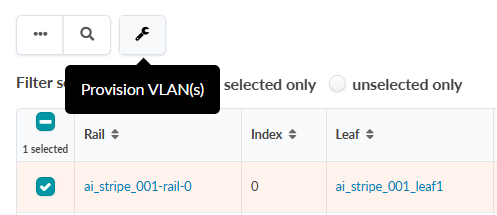
Click the Provision VLAN wrench icon that displays.
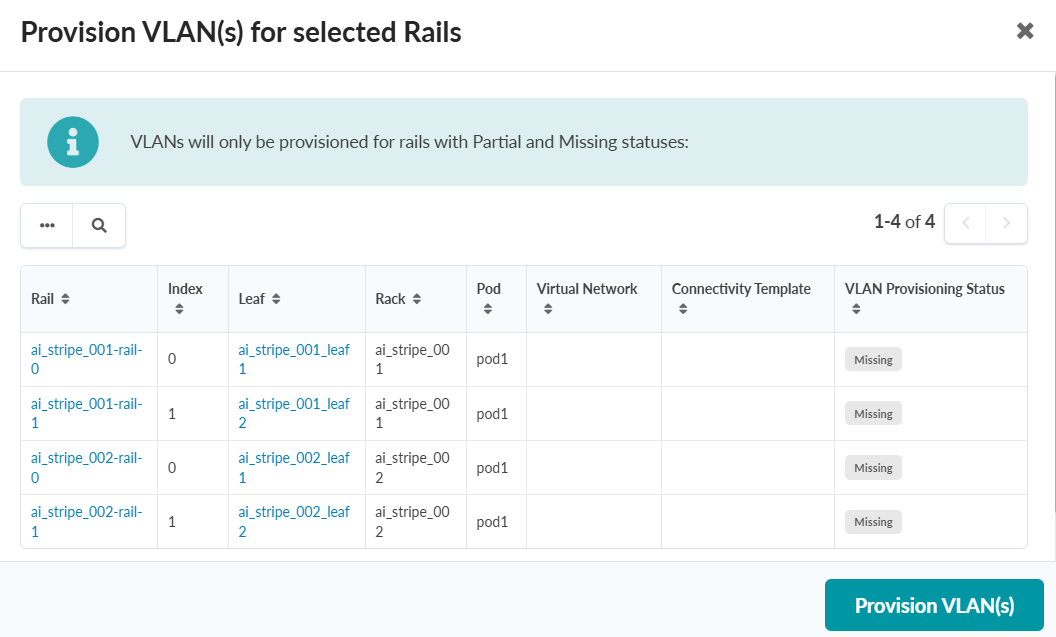
 The Provision VLAN(s) for selected Rails window displays.
 -
Click Provision VLANs, and VN's are automatically created and assigned to the
selected rails.