Delete Property Set (Datacenter Blueprint)
As long as a property set is not used in a configlet, you can unassign it from a device at any time. If it is used in a configlet, a build error occurs and you won't be able to commit the change until you remove the property set from the configlet which resolves that build error.
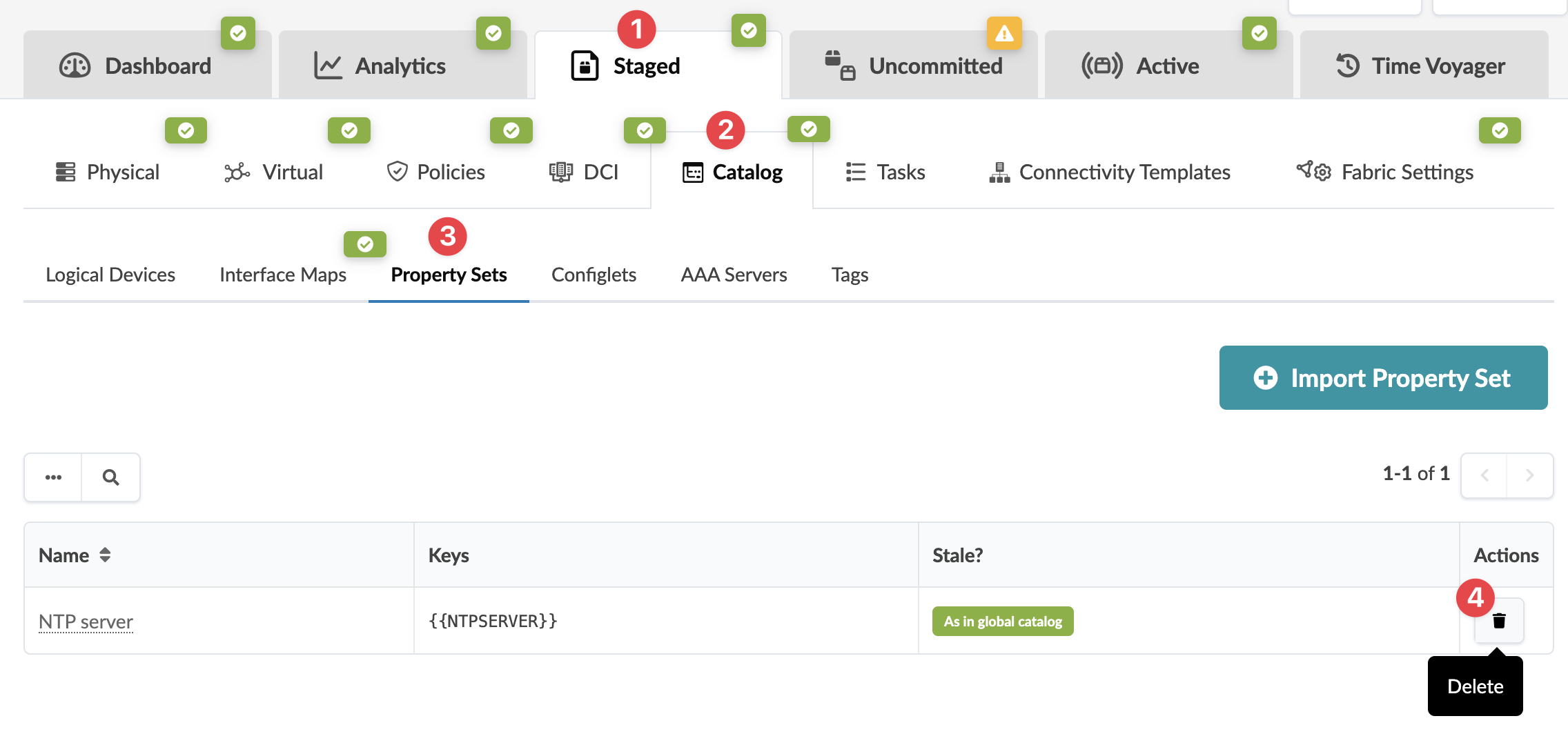
To delete a datacenter blueprint property set from the GUI:
-
From the blueprint, navigate to Staged > Catalog > Property
Sets and click the Delete button for the property set
to delete.
 The Delete this resource? dialog opens.