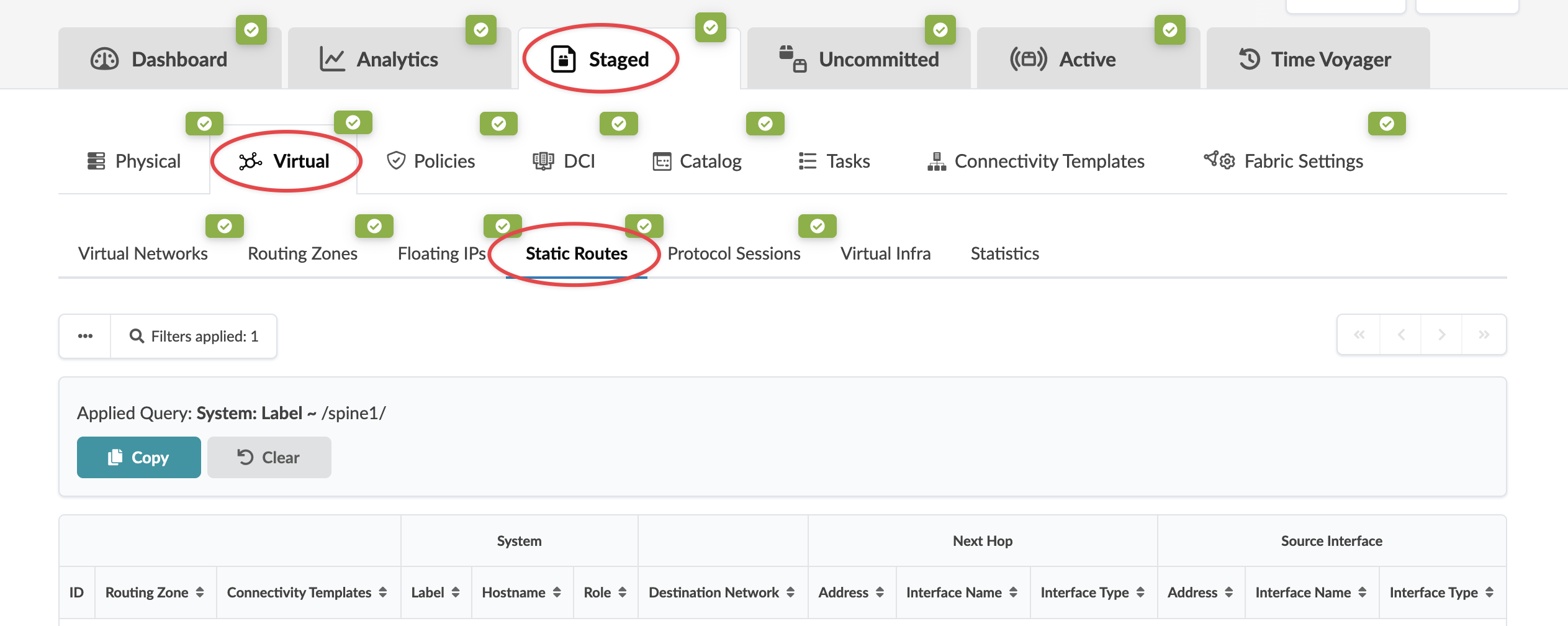
View Node's Static Routes
To view static routes of nodes using the GUI:
-
From the blueprint, navigate to Staged > Physical >
Nodes and select a node name (not the check box).
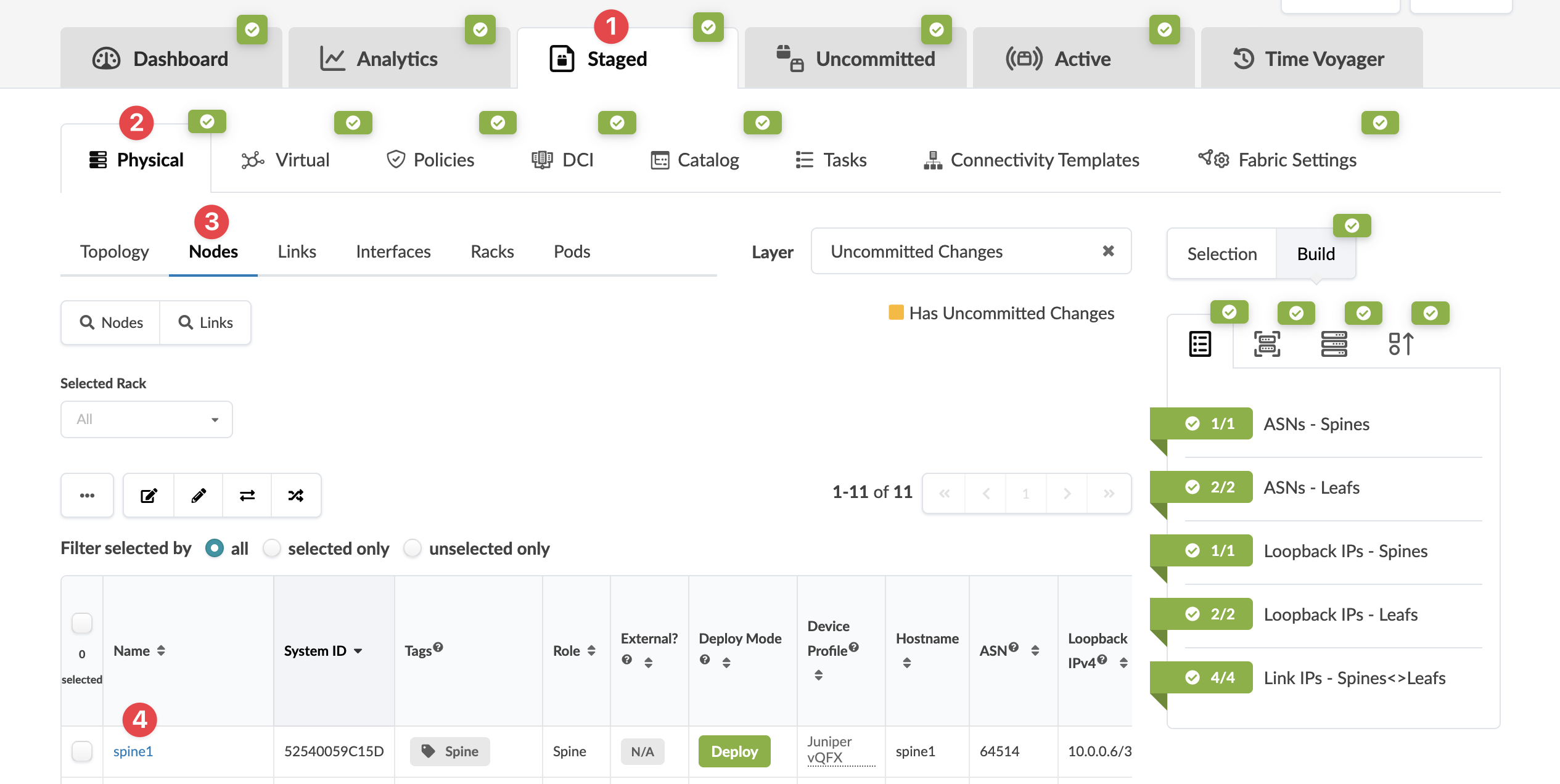 The Topology selection view appears.
 -
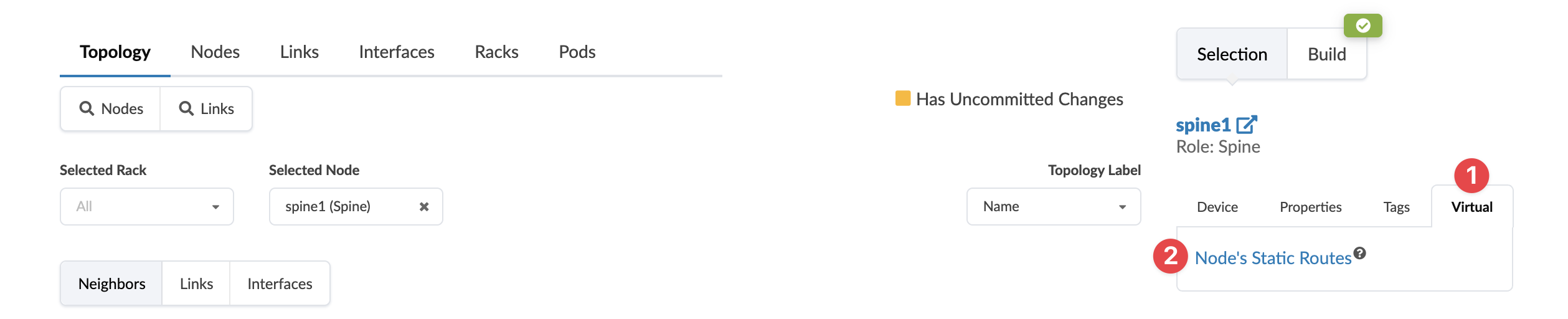
Click the Virtual tab in the right Selection
panel, then click Nodes' Static Routes.
-
You're taken to Staged > Virtual > Static
Routes.