Launch HPE Networking Apstra Data Center Director Data Center Assurance from Apstra DC Director
Use this document to launch Apstra DC Director Data Center Assurance from the Apstra DC Director GUI.
Starting in release 6.1, you can launch Apstra DC Director Data Center Assurance (DC Assurance) from the Apstra DC Director GUI. DC Assurance was previously called Apstra Cloud Services (ACS).
These instructions assume that DC Assurance is operational in your environment. You can install DC Assurance using the instructions in Apstra Edge Workflow.
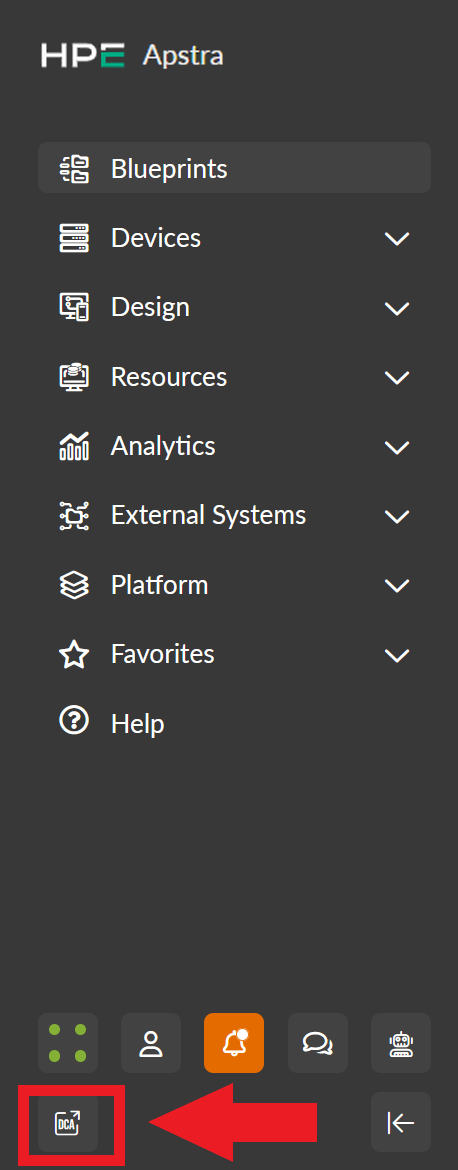
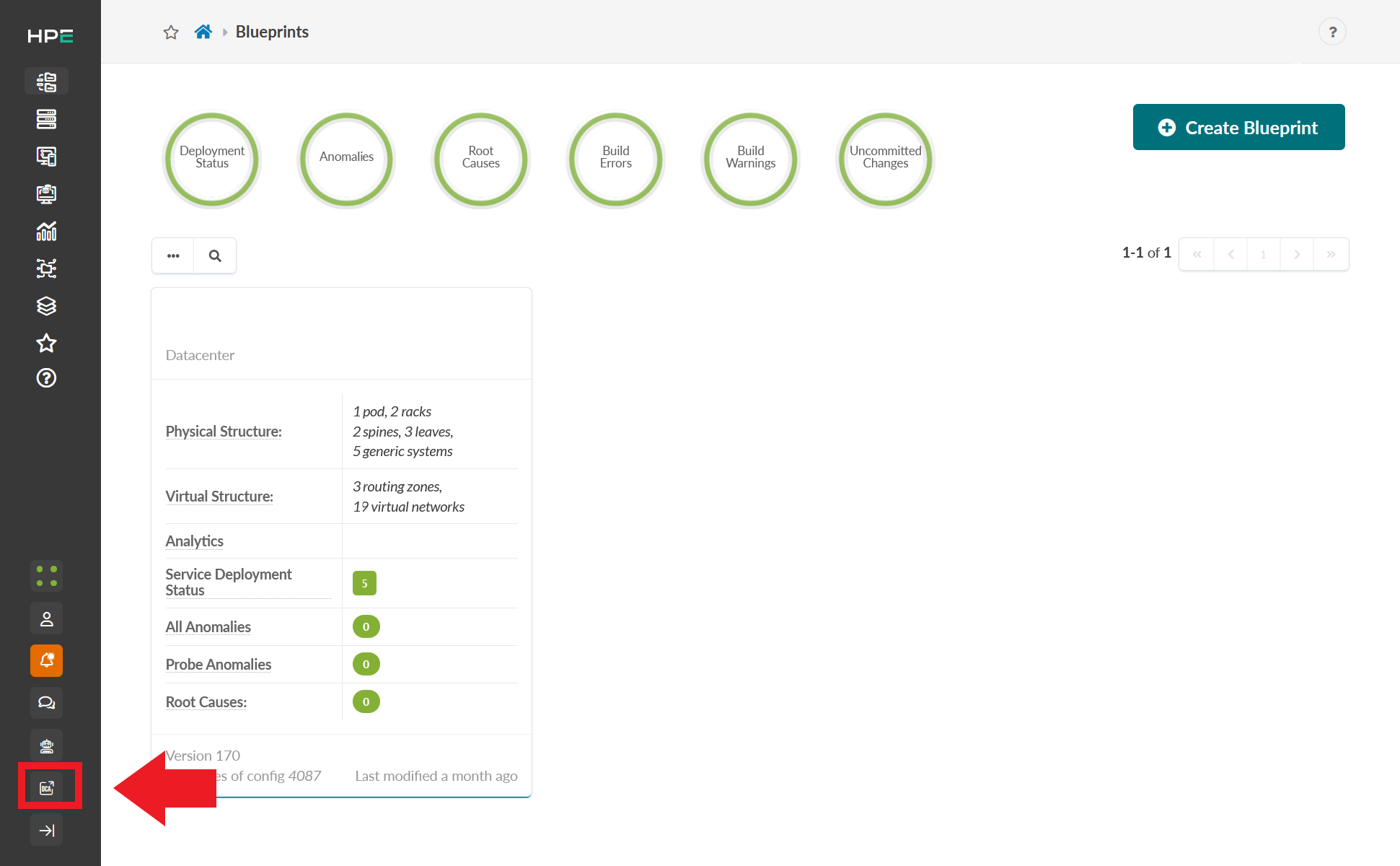
To launch DC Assurance from the Apstra DC Director GUI, click the DCA icon in the left navigation menu.
The DCA icon is located on the bottom row of icons within the left navigation menu when the left navigation menu is expanded.
The DCA icon is located near the bottom of the left navigation menu when the left navigation menu is compressed.
You are taken to the DC Assurance UI at https://dc.ai.juniper.net after clicking the DCA icon. See User Activation and Login for information about logging into DC Assurance.
To learn more about using DC Assurance, see the Juniper Data Center Assurance User Guide.