Delete Interface Map (Blueprint)
To delete a blueprint interface map from the Apstra
GUI:
-
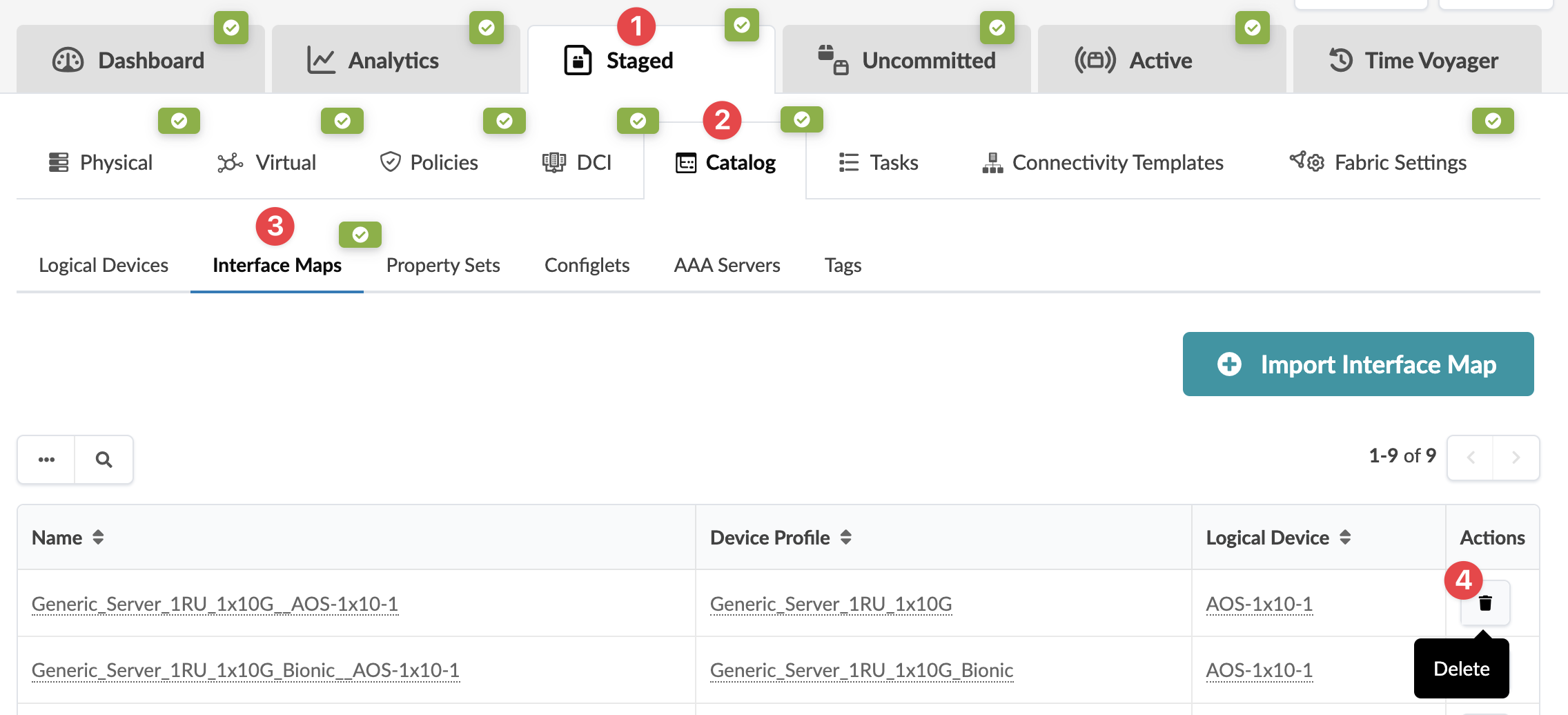
From the blueprint, navigate to Staged > Catalog > Interface
Maps and click the Delete button for the interface
map to delete (in the Actions column on the right side).
 The Delete this resource? dialog opens.