Change Interface Description
To change interface descriptions from the GUI:
-
From the blueprint, navigate to Staged > Physical >
Interfaces, and select the name of the interface that needs a new or changed
description.
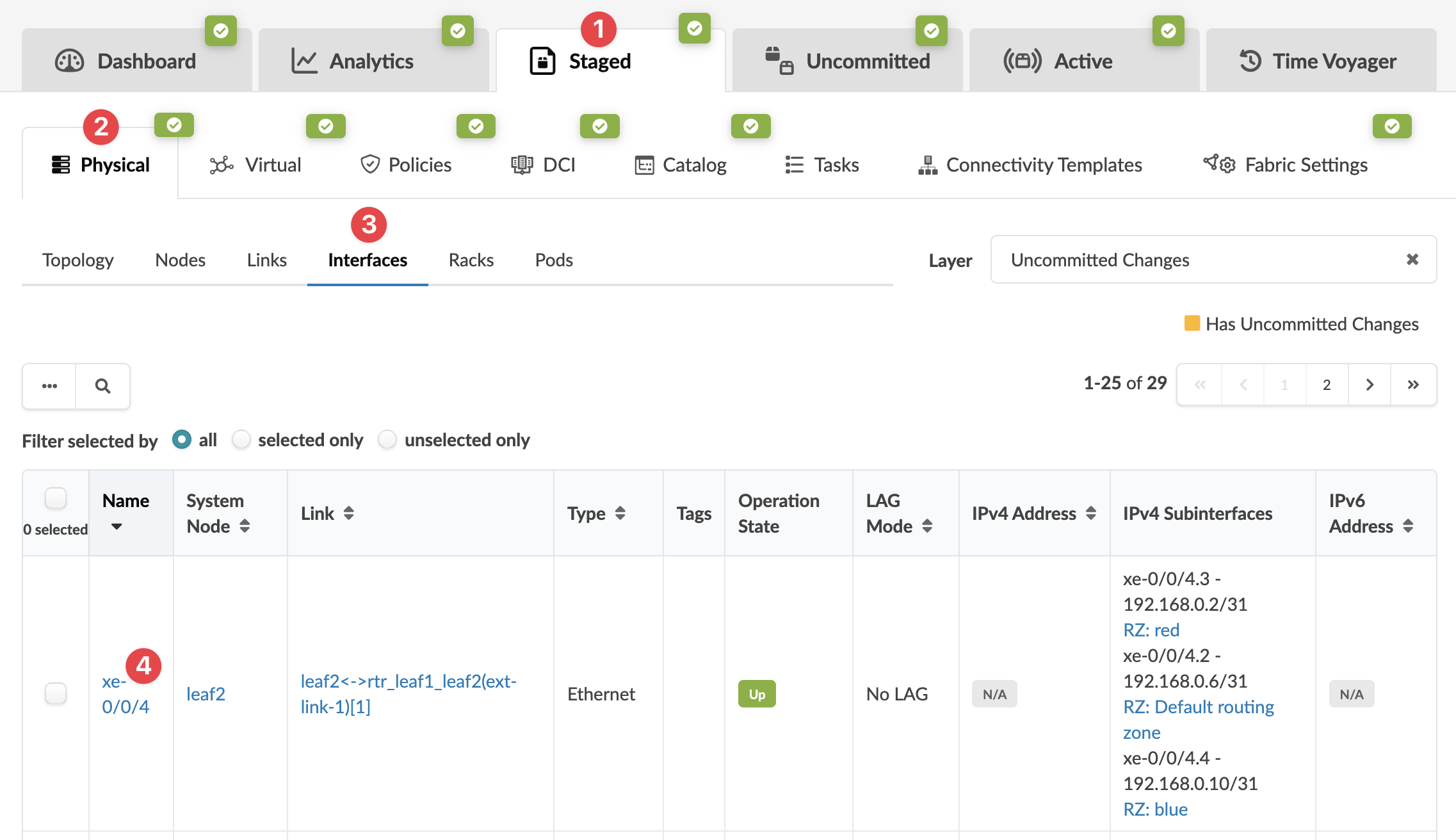 The Interface Detail page appears.
 -
In the Description field click the Edit interface
description button.
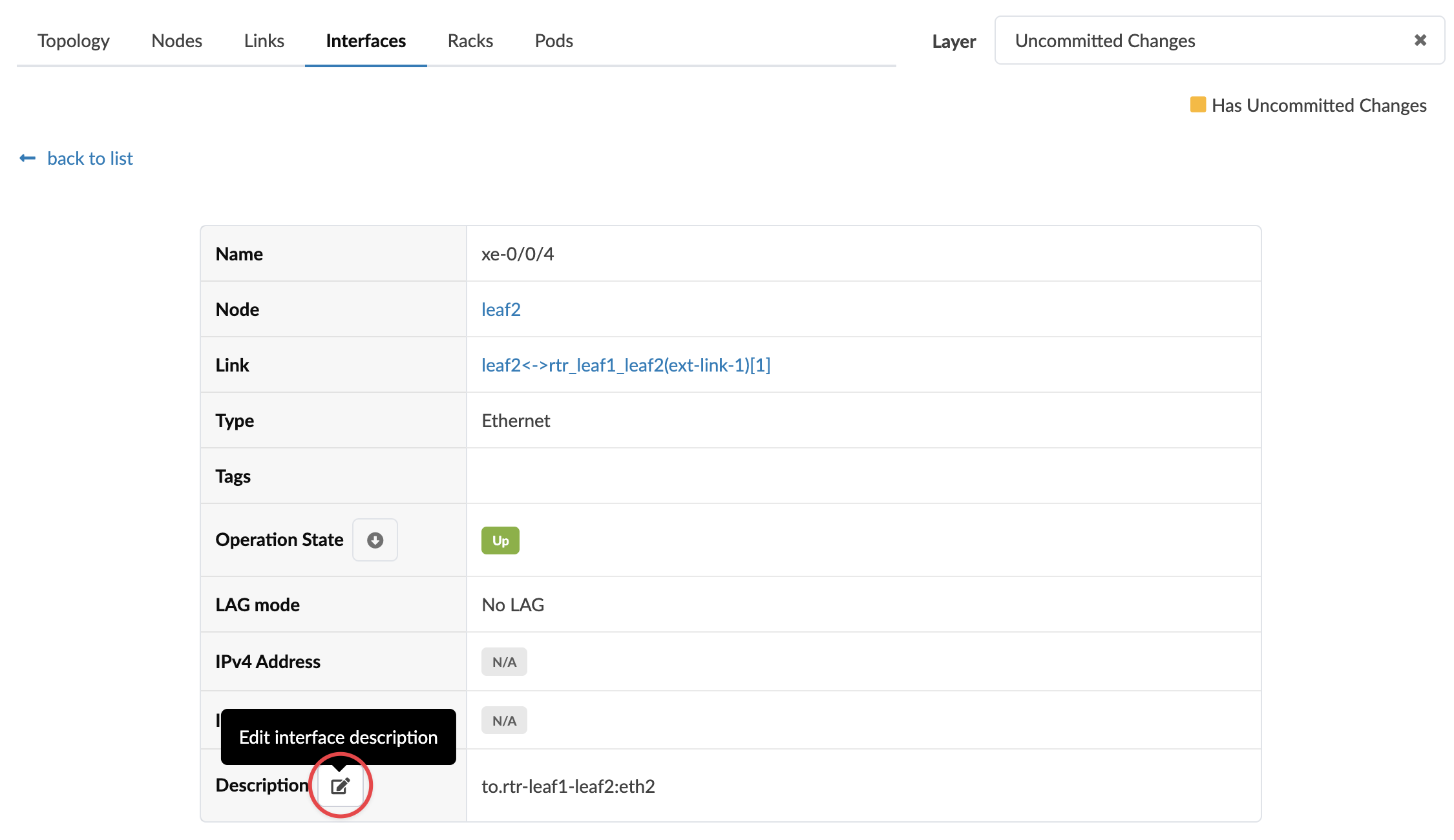 The Edit interface description dialog opens.
To deploy the change to the active blueprint, commit from the
Uncommitted tab.