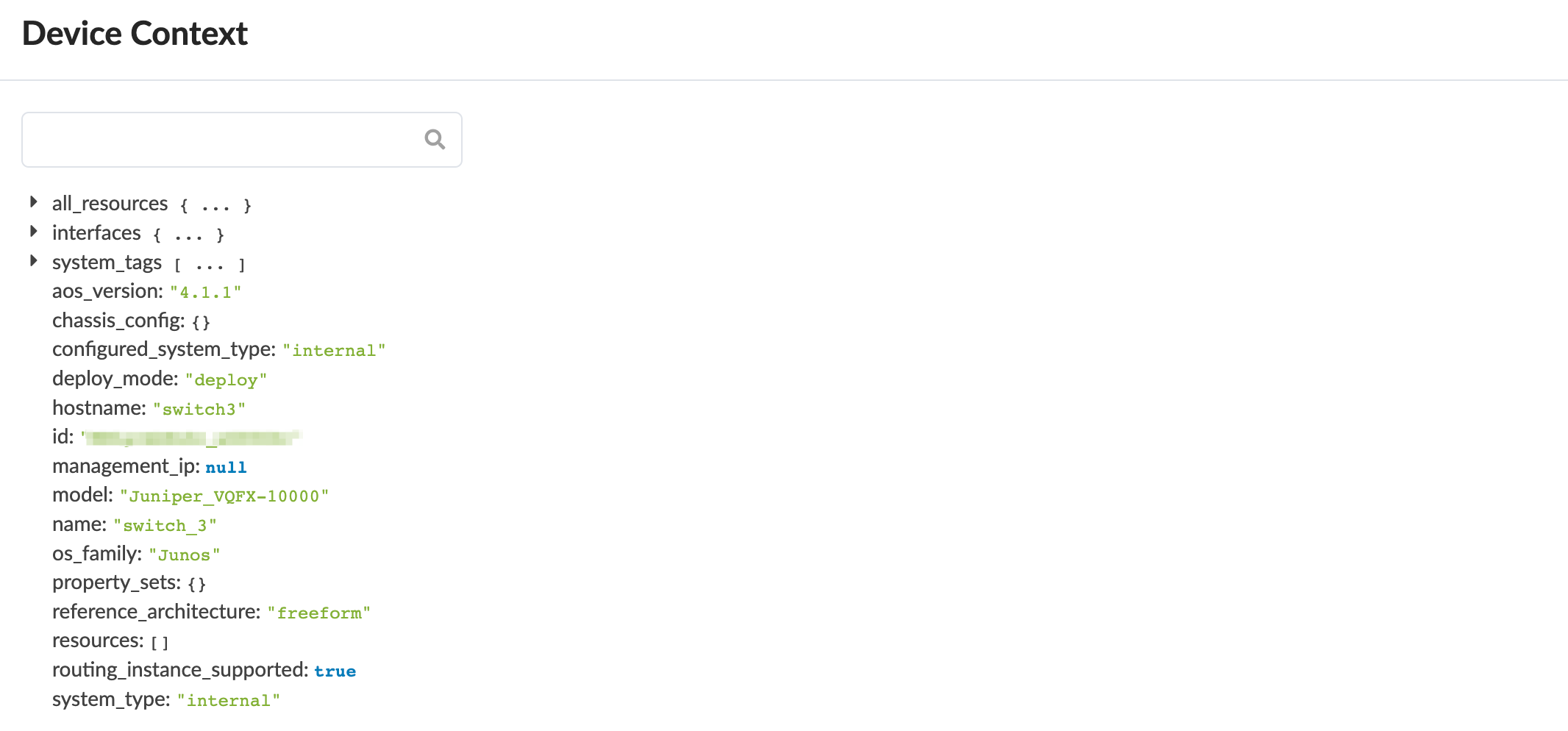
Device Context (Freeform)
The device context includes all the contextual data that you can use when creating dynamic Jinja config templates. It includes such data as interfaces, IP addresses, prefix lengths, name, and state. It also shows you what the neighbor interface is of other devices. You can search for data in a query box to pinpoint the information you're looking for.
-
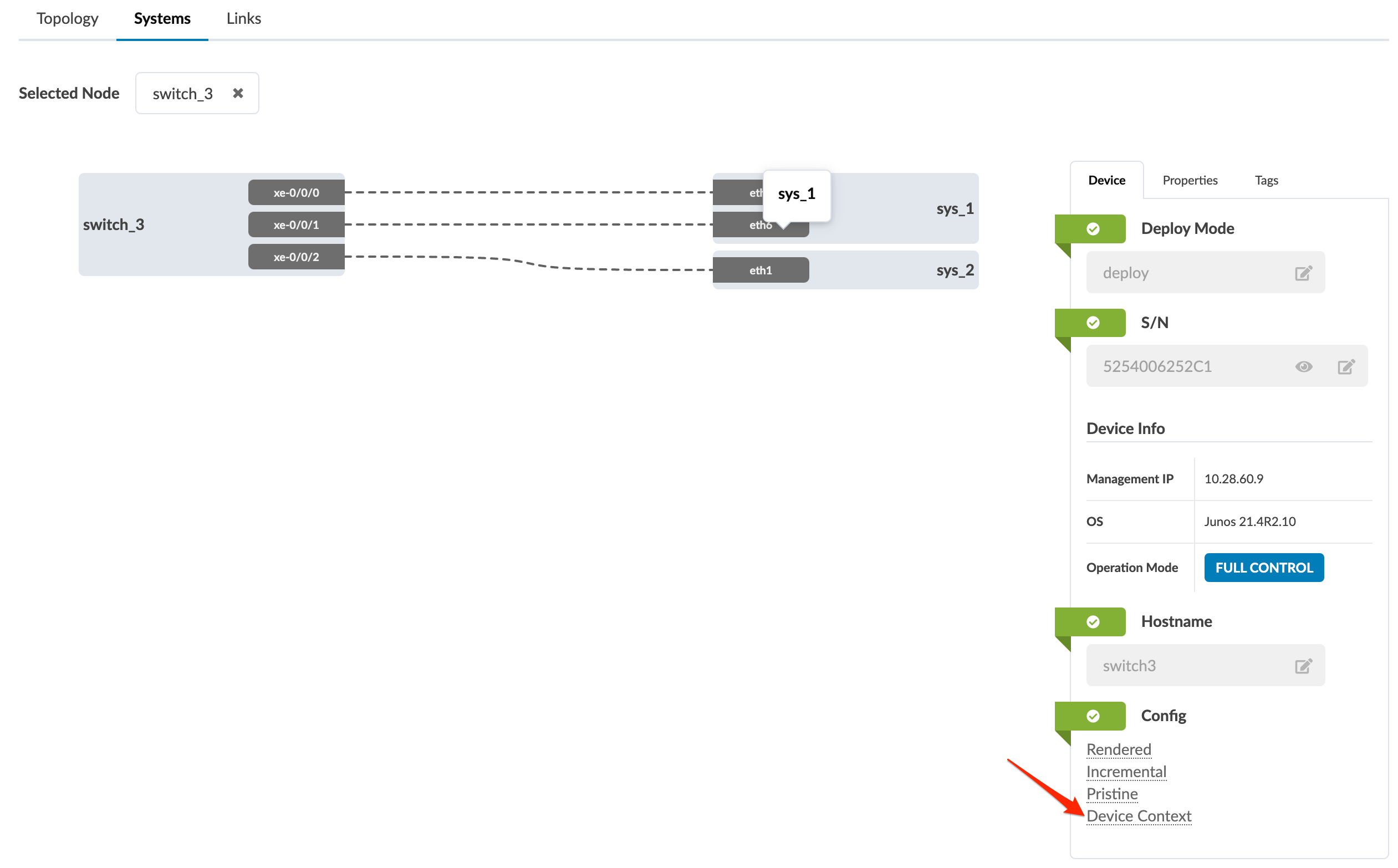
From the blueprint, either from the Topology view or the
Systems view, click the name of the system to view. Its details
appear in the Systems view.
-
At the bottom of the device panel on the right, click Device
Context to go to device context for the device.