Update Blueprint Analytics Dashboard
You can modify a blueprint analytics dashboard after it's been created.
To update a blueprint analytics dashboard using the
GUI:
-
From the blueprint, navigate to Analytics > Dashboards and
click the Edit button for the dashboard to update.
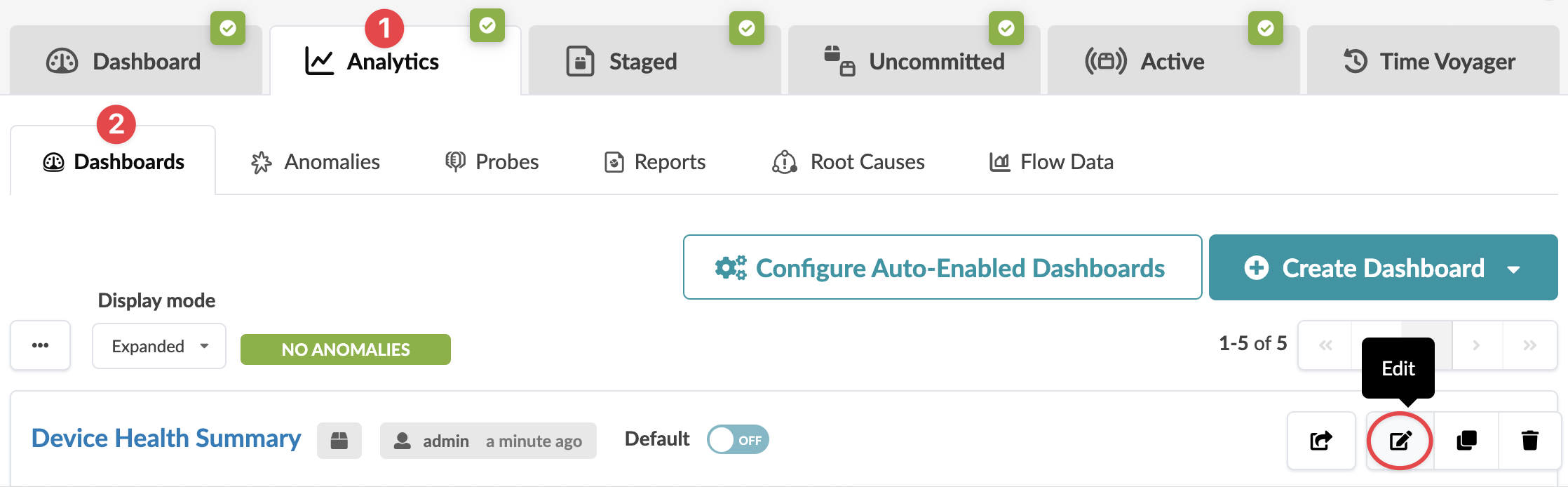 The Edit page opens for the selected dashboard.
The dashboard is updated and you're returned to the selected
dashboard.