Import Cabling Map (Datacenter)
You can export a cabling map either as a JSON file or a CSV file, but you can only import it as a JSON file.
To import a cabling map into a blueprint using the GUI:
-
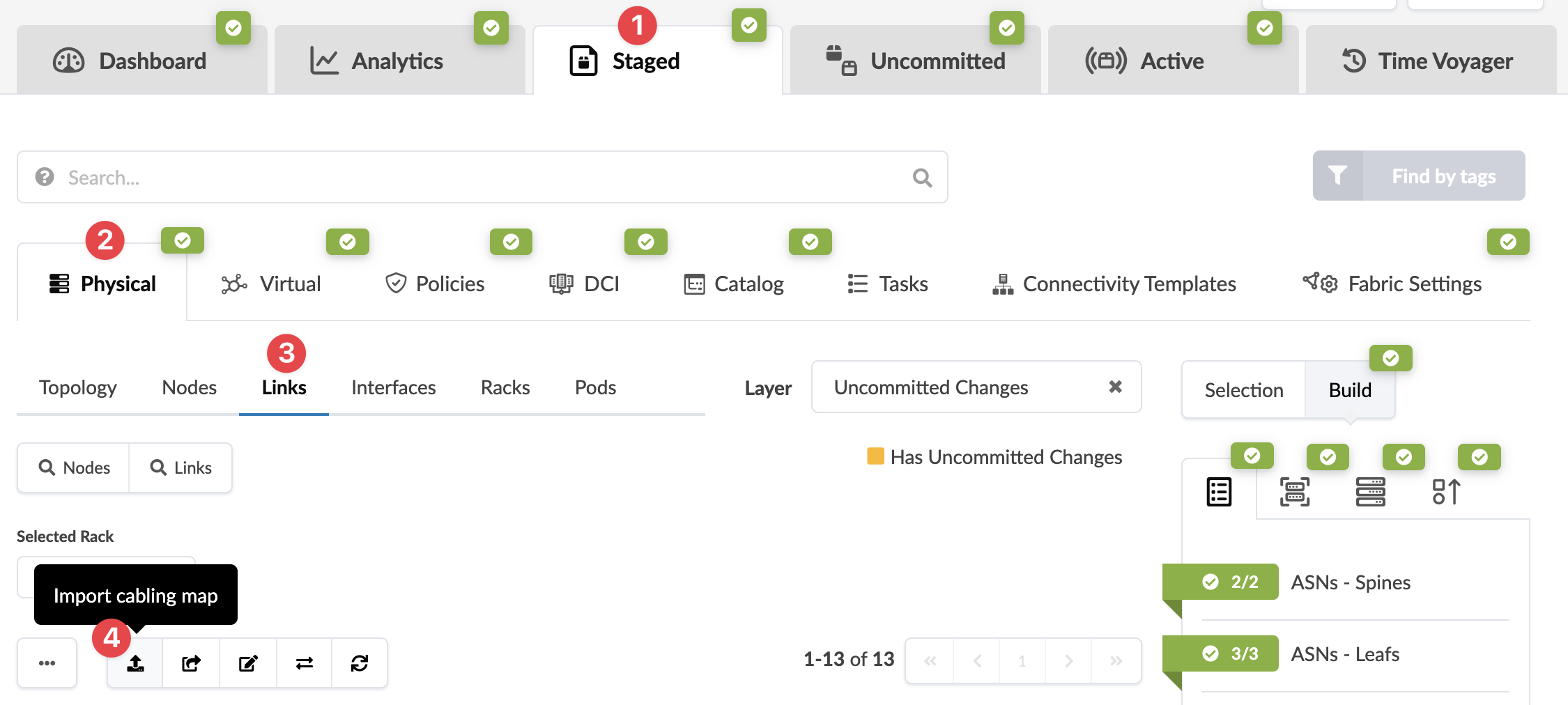
From the blueprint, navigate to Staged > Physical > Links
and click the Import cabling map button (first of five buttons
above the links list).
 The Import Cabling Map dialog opens.
The cabling map is imported and you're returned to the
Links view.