SDK Documentation
You can build additional automation code with supported and tested Python SDK. The SDK provides a layer of abstraction on top of the APIs.
With HPE Networking Apstra Data Center Director's SDK you can deploy faster. You don't need to write the low level code from scratch. If you're integrating with any services, SDK can handle authentication, API calls and error-handling. You can write small scripts to use the many provided APIs to add automation. The SDK version matches the Apstra DC Director version (as of version 6.0.0).
To access the SDK documentation in the GUI:
-
From the left navigation menu, navigate to Platform >
Developers, scroll to the SDK section and click AOS SDK
Documentation.
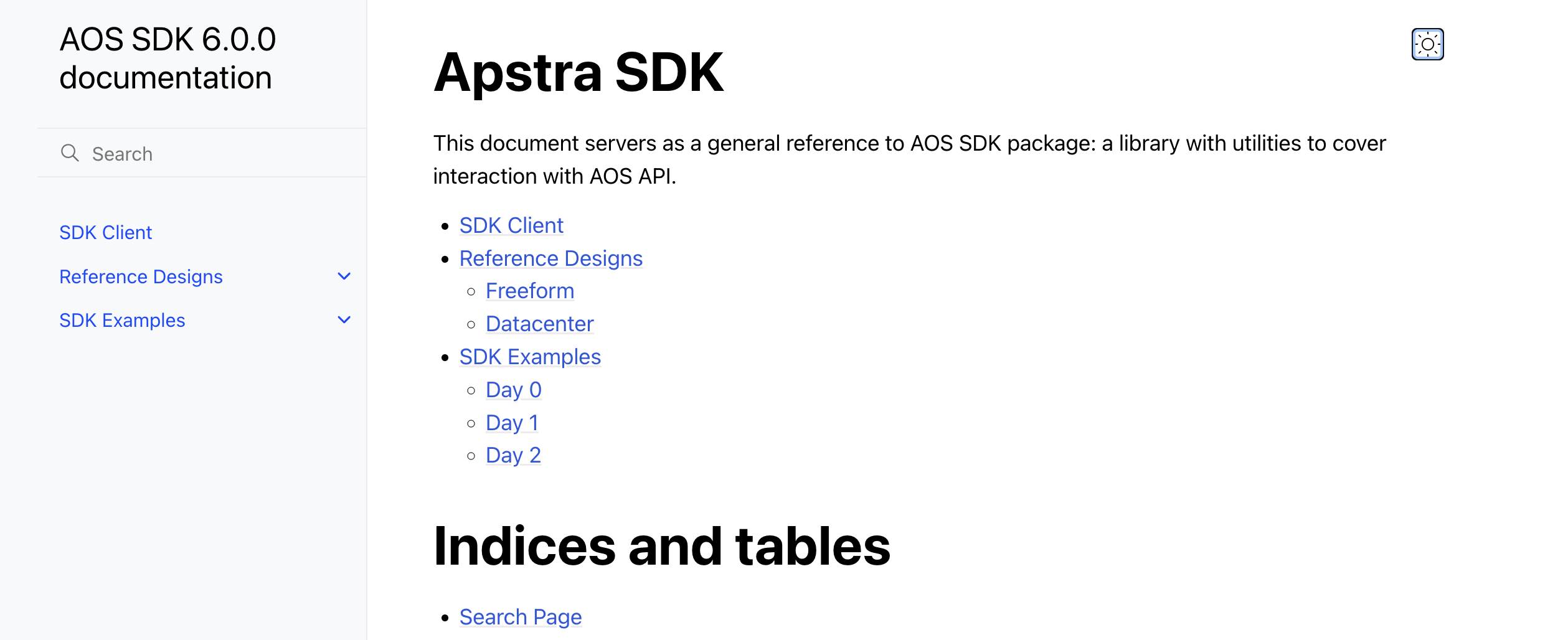
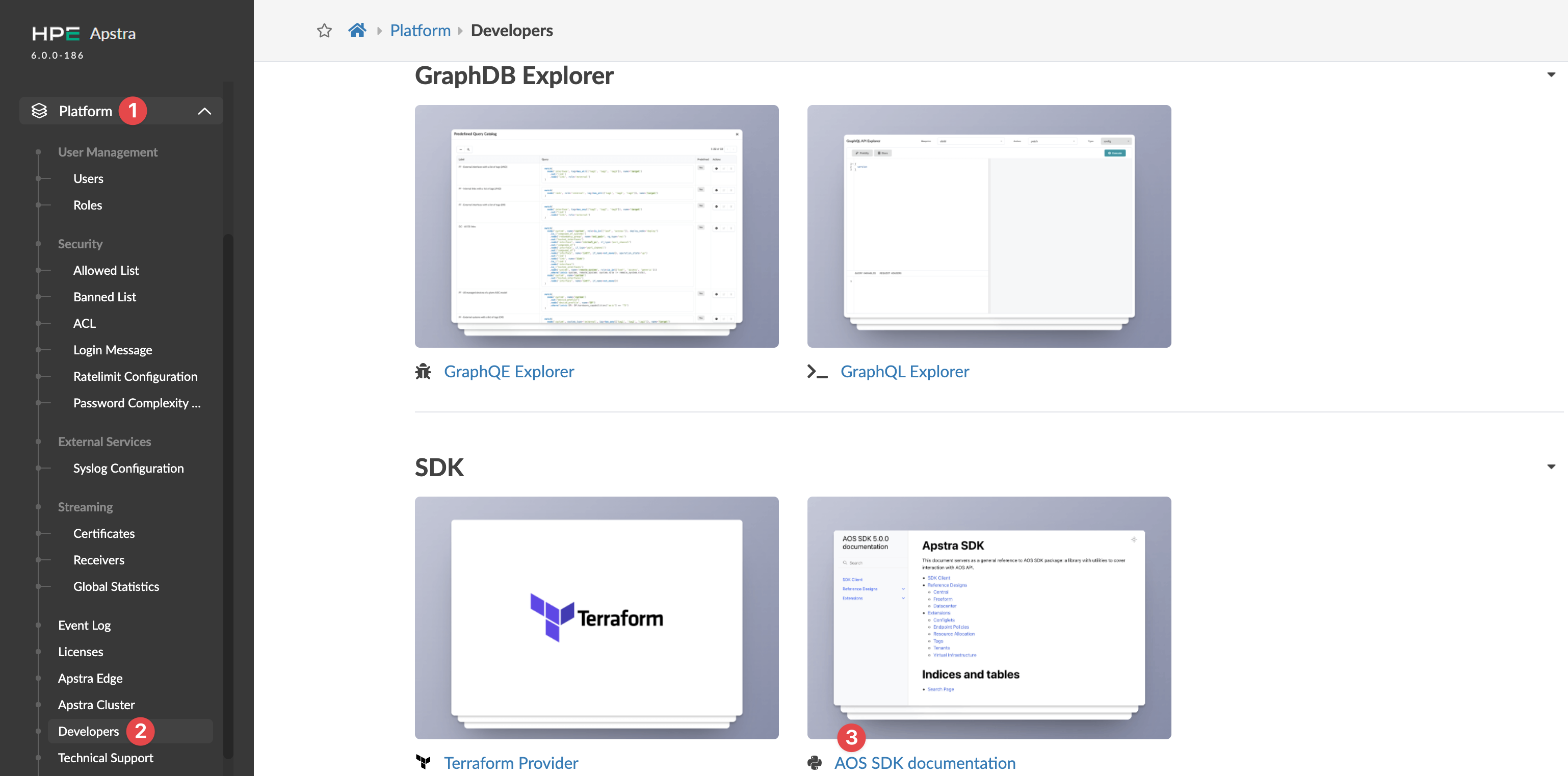 The AOS SDK documentation page for your Apstra DC Director version opens in a new window.
 -
From here you can access documentation for the SDK Client, Reference Design
information, and SDK examples.
After you've downloaded the Apstra Automation Python3 SDK from Juniper Support Downloads and installed it, you can check the SDK version with the
pip list (or pip show aos-sdk) command as shown
below:
(aos-venv) user@user-mbp ~ % pip list
Package             Version
------------------- ---------
aos-sdk             6.0.0

pip show aos-sdk
Name: aos-sdk
Version: 6.0.0
Summary: SDK to help with developing application using AOS REST API (built from AOS_6.0.0_OB.183.f74e9cc802)
Home-page: www.juniper.net
Author: Juniper Networks, Inc.
Author-email:
License: Copyright 2014-present, Juniper Networks, Inc. All rights reserved
Location: /Users/rasikas/aos-venv/lib/python3.13/site-packages
Requires: flask, iso8601, lollipop, lollipop-jsonschema, lru-dict, netaddr, psutil, python-slugify, PyYAML, requests, six, typing-extensions, urllib3, Werkzeug
Required-by: