Union Processor
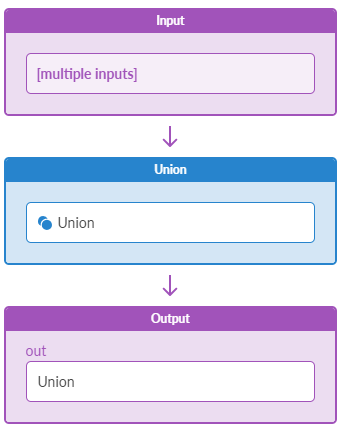
The Union processor merges all input items into one set of items. For each input item the processor leaves only signification keys, drops the others and puts the result.
| Parameter | Description |
|---|---|
| Input Types | Table (number or text or discrete state) |
| Output Types | Table (number or text or discrete state) |
| Significant Keys (significant_keys) | List of keys to map items from the inputs for applying the specified operation. It is typically used by processors that take multiple inputs and perform operations on them. When inputs have the same sets of keys it does not need to be specified. When inputs have different sets of keys, it must be specified and it must allow only 1:1 items mapping from the given inputs, otherwise the probe will go into error state. |
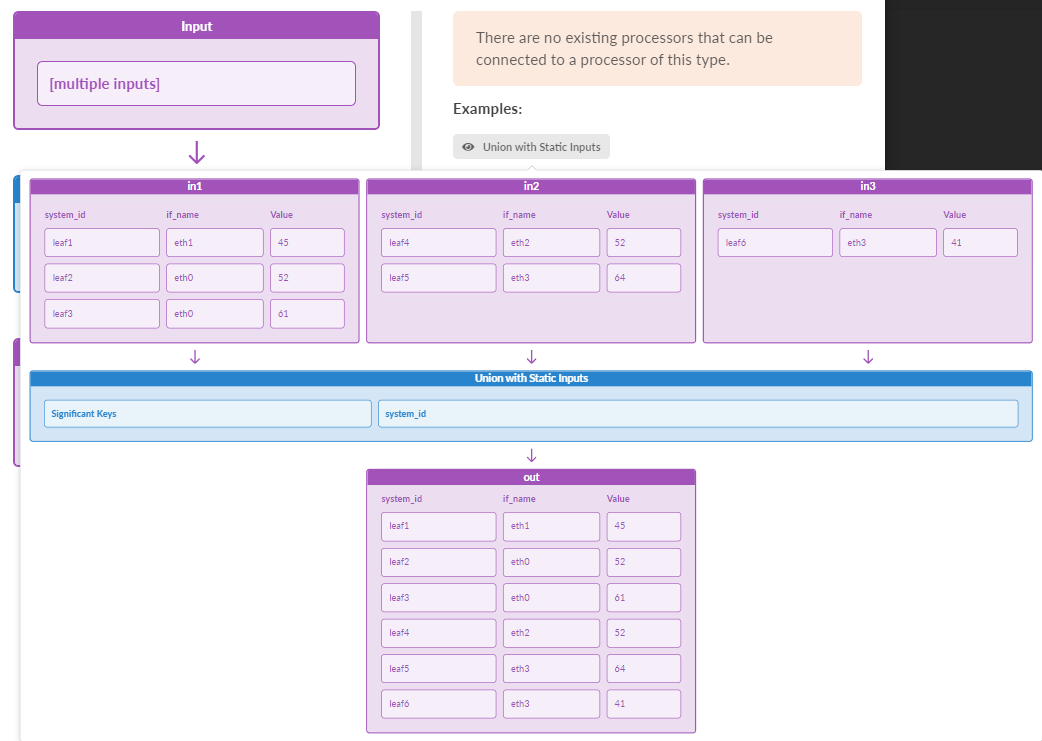
In the Add Processor window of the GUI, hover over the "Union with Static Inputs"
tooltip for a visual example of how the Union processor functions.
Example: Union
Config is set to:
significant_keys: ["system_id"]
Consider we have inputs with device temperature information.
Input "in_1":
[system_id=leaf1,interface=eth1]: 45
[system_id=leaf2,interface=eth0]: 52
[system_id=leaf3,interface=eth0]: 61
Input "in_2":
[system_id=leaf4,interface=eth2]: 52
[system_id=leaf5,interface=eth3]: 64
Input "in_3":
[system_id=leaf6,interface=eth3]: 41
Output will be the following.
Output "out":
[system_id=leaf1]: 45
[system_id=leaf2]: 52
[system_id=leaf3]: 61
[system_id=leaf4]: 52
[system_id=leaf5]: 64
[system_id=leaf6]: 41