Match Count Processor
For each input group, the Match Count processor creates a single output that is the number of items in the input group that are equal to the reference. The 'total_count' key is added into output item keys where the value is a number of items in an input group.
| Parameter | Description |
|---|---|
| Input Types | Table(text or discrete state) |
| Output Types | NS |
| Group by (group_by) |
Accepts a list of property names to group input items into output items, produces only one output group for the empty list.Most processors take input and produce output. Many of them produce one output per input (for example, if input is a DSS, output is a DSS of same size). However, some processors reduce the size of the output relative to the size of the input. Effectively, they partition the input into groups, run some calculation on each of the groups that produce a single value per each group, and use that as output. Clearly, the size of the output set depends on the grouping scheme. We call such processors grouping processors and they all take the Group by configuration parameter. In the case of an empty list, the input is considered to be a
single group; thus, the output is of size 1 and either N, DS, or
TS. If a list of property names is specified, for example
["system_id", "iface_role"], or a single property is specified,
for example ["system_id"], we divide the input into groups such
that for each group, every item in the group has the same values
for the given list of property names. See the The output type of a processor depends on a value of the group_by parameter; for an empty list, a processor produces a single value result, such as N, DS, or T, and for grouping by one or more properties it returns a set result, such as NS, DSS, or TS. |
| Reference State (reference_state) | DS or TS value which is used as a reference state to match input samples. discrete-state value |
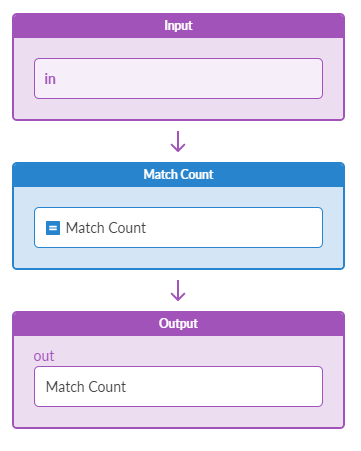
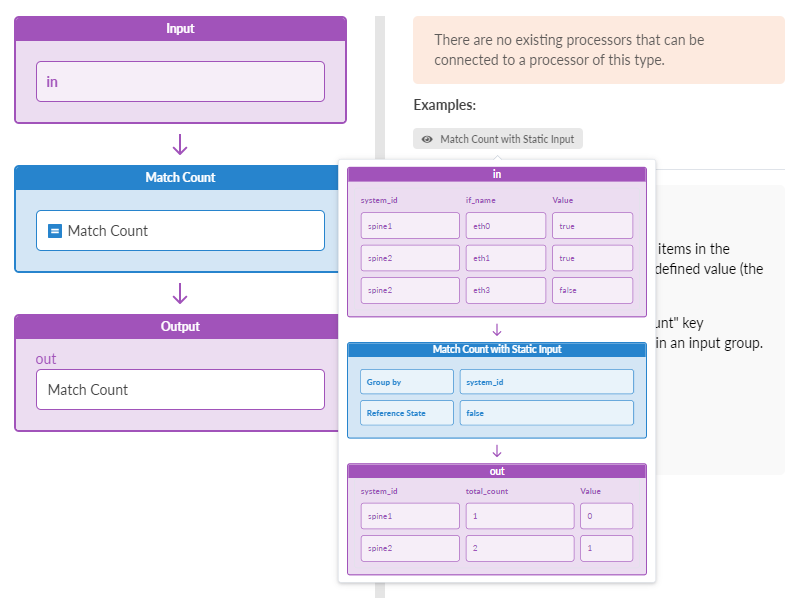
Example: Match Count
Assume a configuration of:
reference_state: "false"
group_by: []
Sample Input:
[if_name=eth0] : "true"
[if_name=eth1] : "true"
[if_name=eth3] : "false"
Sample Output:
[] : 1
In the above example, we have 1 as the output because 1 element of the input group matches the reference value of "false".