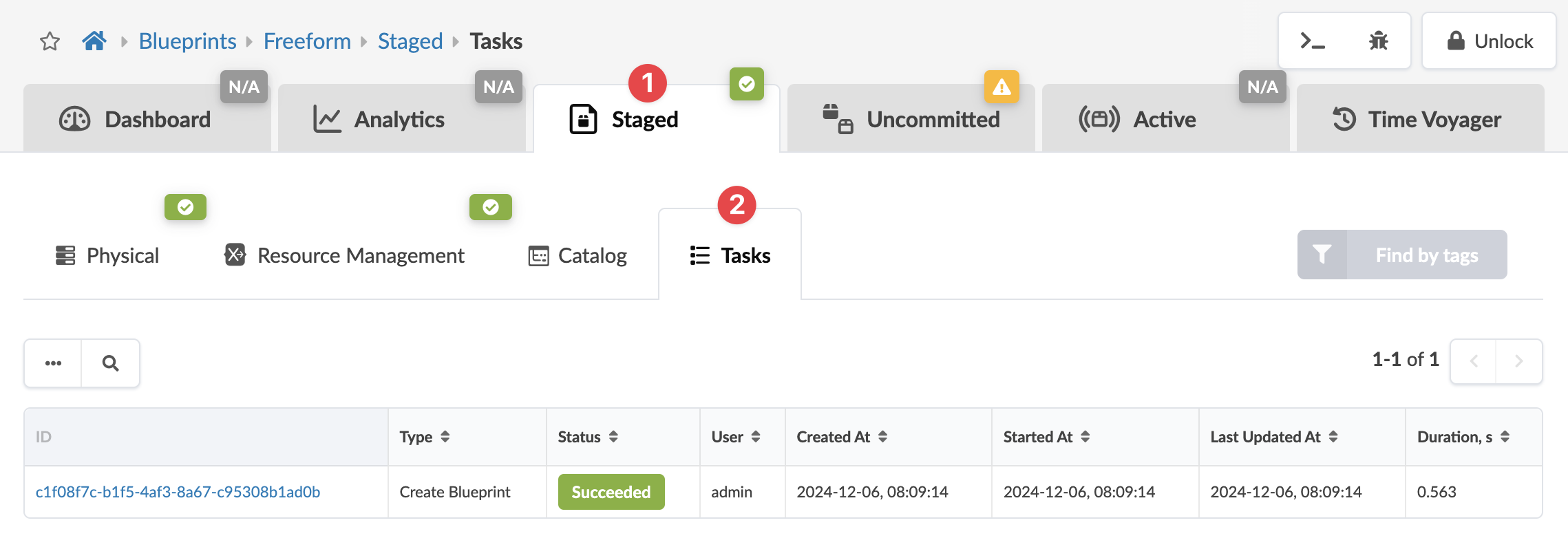
Tasks - Staged (Freeform)
Tasks that haven been performed in blueprints appear in the Tasks tab. Blueprint task details include task type, task status (succeeded, failed, in progress), user who performed the task, date/time created/started/updated, and the duration of the task. For any failed tasks, you can click to see error messages. From the blueprint, navigate to Staged > Tasks to go to task history.