Static Routes (Virtual)
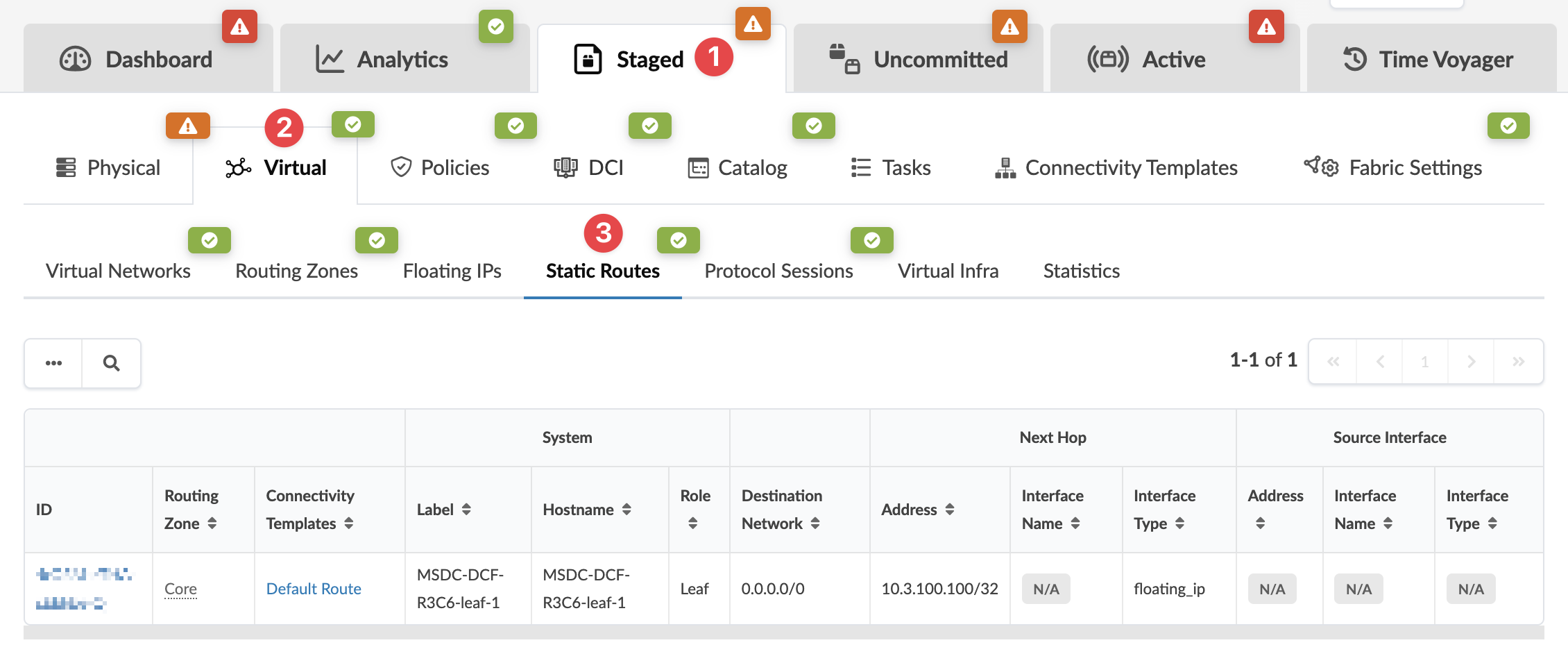
When you create connectivity templates, static routes are created. From the blueprint, navigate to Staged > Virtual > Static Routes to go to static routes.
When you create connectivity templates, static routes are created. From the blueprint, navigate to Staged > Virtual > Static Routes to go to static routes.