Pods (Datacenter)
From the blueprint, navigate to Staged > Physical > Pods to go to the Pods view.
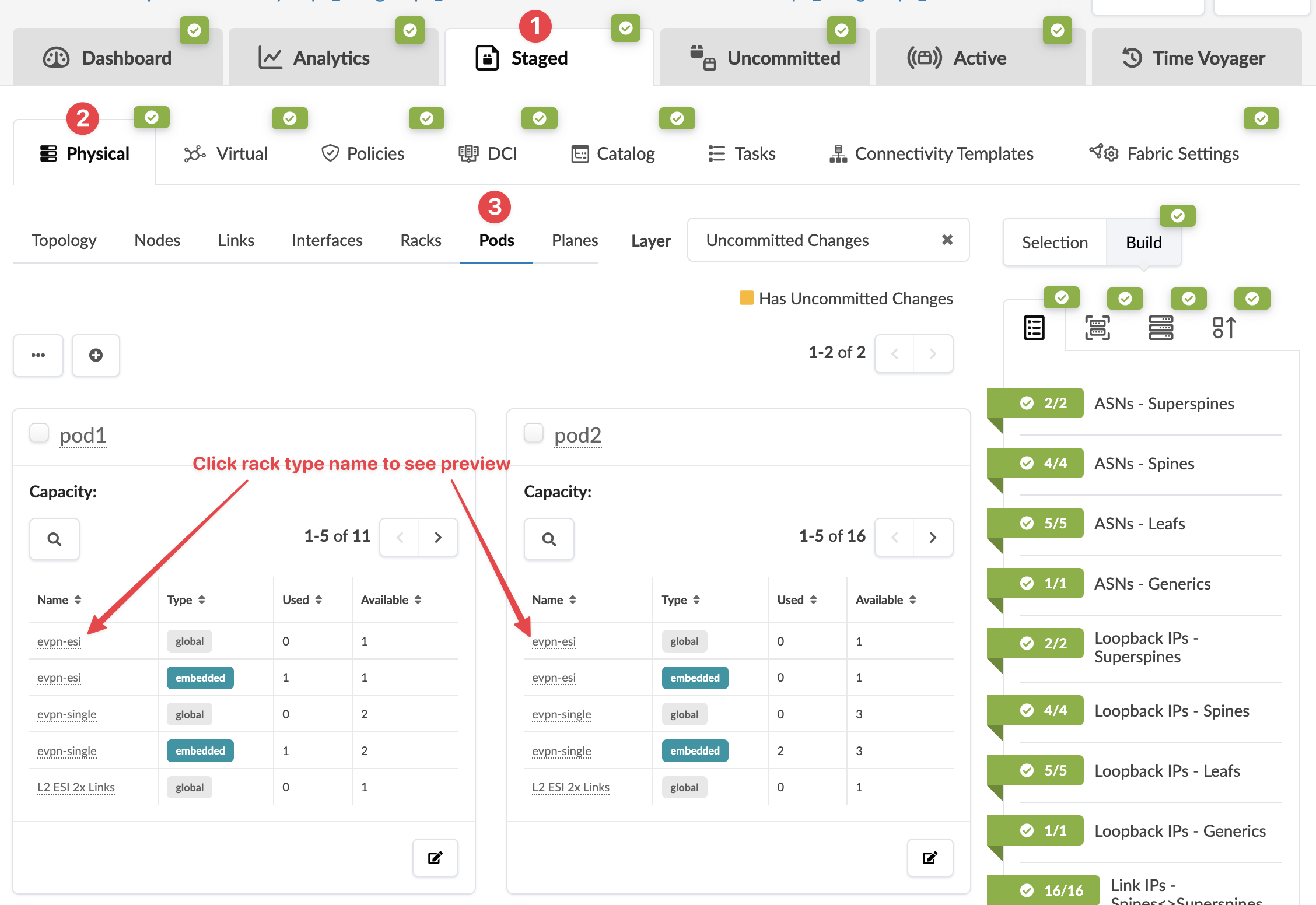
You can search for specific nodes or links.
From the Pods view, you can view pod capacity and change pod names. 3-stage topologies can have only one pod. If your topology is for 5-stage, you can add and remove entire pods. The ability to add pods to your running blueprint allows for organic growth of large networks without having to pre-design every pod. For more information about building 5-stage topologies, see 5-stage Clos Architecture.
See the following sections for more information about adding, editing and deleting pods.