Pods (Active)
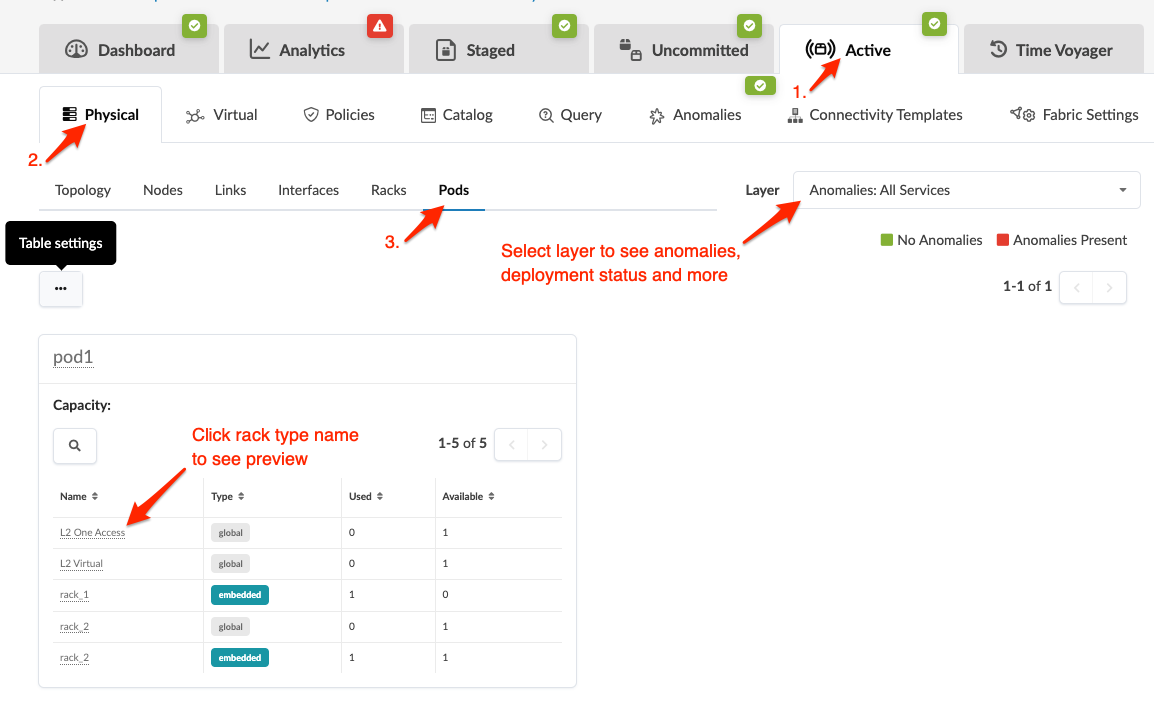
From the blueprint, navigate to Active > Physical > Pods to see details about deployed pods. You can search for specific nodes or links and select a layer to see anomalies, deploy modes, deployment status and more. 3-stage topologies have one pod, while 5-stage topologies have two or more pods. Click a rack name in a pod to see its rack type preview.