Connectivity Templates Introduction
Connectivity templates enable you to apply various network configurations to devices connected to generic systems, as a Day 2 operation. Devices could be leaf devices, spine devices, or in 5-stage Clos topologies, superspine devices. Some use cases for connectivity templates include the following:
- Assigning Apstra virtual network endpoints (tagging and untagging VLAN ports) to connect Layer 2 servers.
- Creating Layer 3 interfaces and VLAN-tagged sub-interfaces with BGP routing between Apstra fabric border-leaf devices and external routers.
Connectivity templates consist of combinations of primitives as described in later sections.
Use connectivity templates to configure the required external routing connections to routing zones. To see static routes and protocol sessions, navigate to Staged > Virtual in the blueprint.
From the blueprint, navigate to Staged > Connectivity Templates to
go to the connectivity template table view. You can create, assign, edit, and delete
connectivity templates.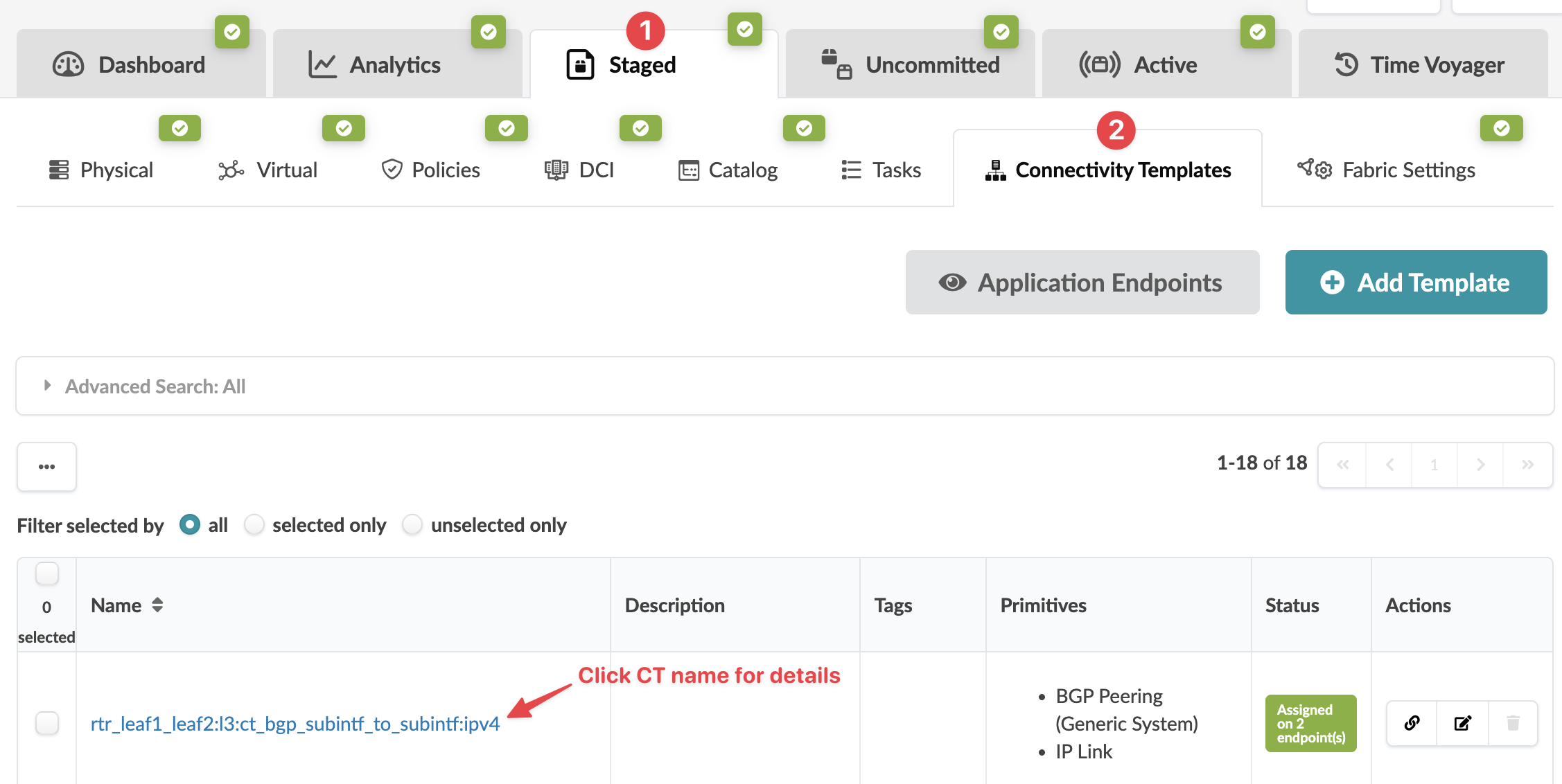
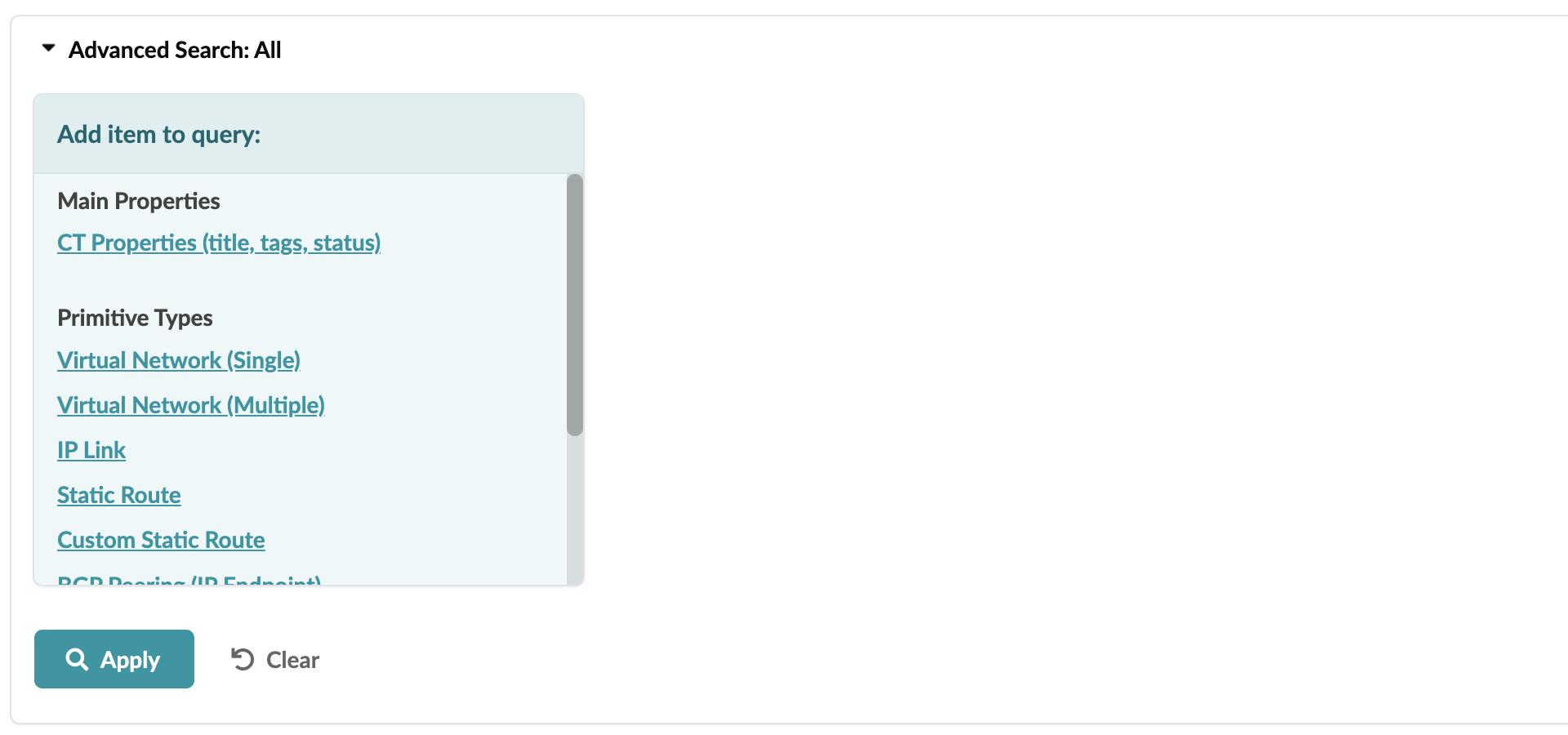
With advanced search you can filter based on primitive types, and based on the types, you can show parameters and filter on those parameters. You can take this search to multiples levels. For example, you can search for all the logical links in routing zone green or all the static routes with the same next hop.