Roll Back Apstra DCD Server Upgrade
If you upgraded the Apstra DCD server on a different VM, you can roll back to the previous version. However, rolling back erases changes made since upgrading and is disruptive. This option is unavailable if you upgraded on the same VM.
CAUTION:
Apstra DCD does not support 'hitless' rollbacks.
-
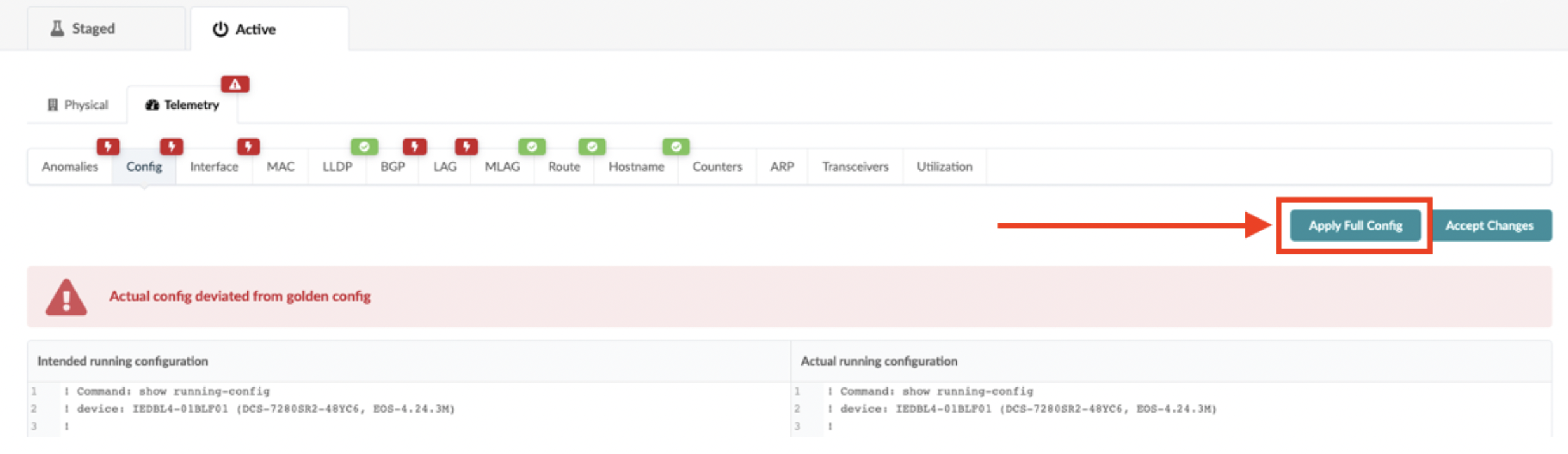
Apply full configuration to the network devices to restore configuration from the 'old'
Apstra DCD server.