Update the Configuration File with File Encryption Enabled
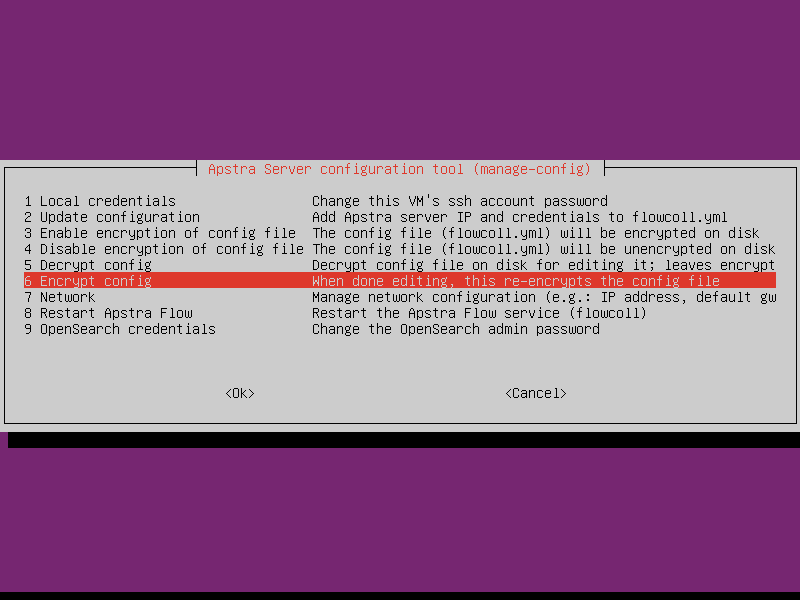
You might need to update your encrypted configuration file with new values in certain scenarios. To modify your configuration information, you must first decrypt the file for editing and then re-encrypt the file with the Apstra Data Center Director Server configuration tool.
Decrypt and Encrypt the Configuration File
To update the configuration file:
-
Select
5 Decrypt configto decrypt the file.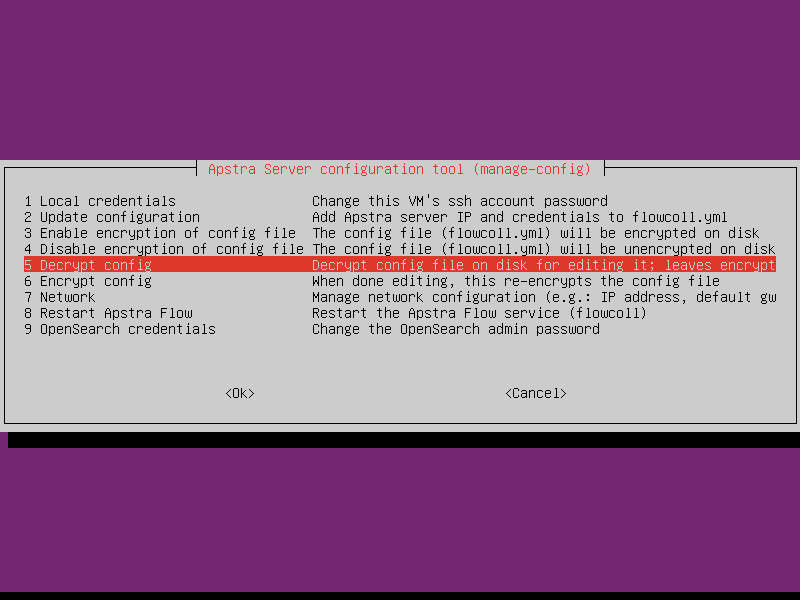
-
Select
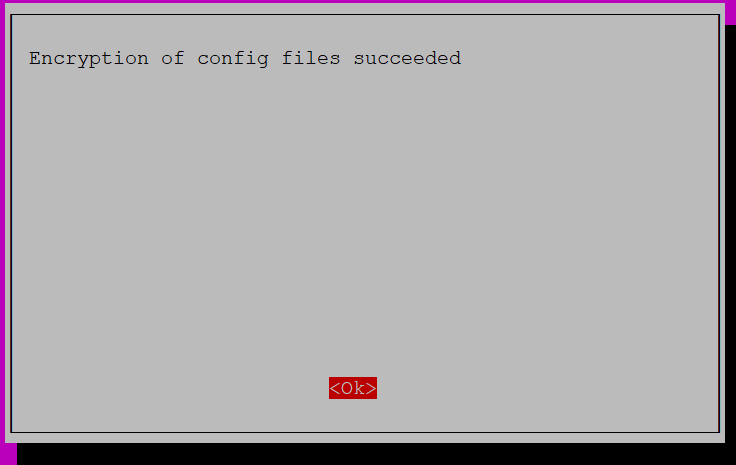
2 Update configurationand edit your configuration file. Then, select6 Encrypt configto re-encrypt the file.