Update SVI L3 MTU
To update the SVI L3 MTU setting from the Apstra GUI:
-
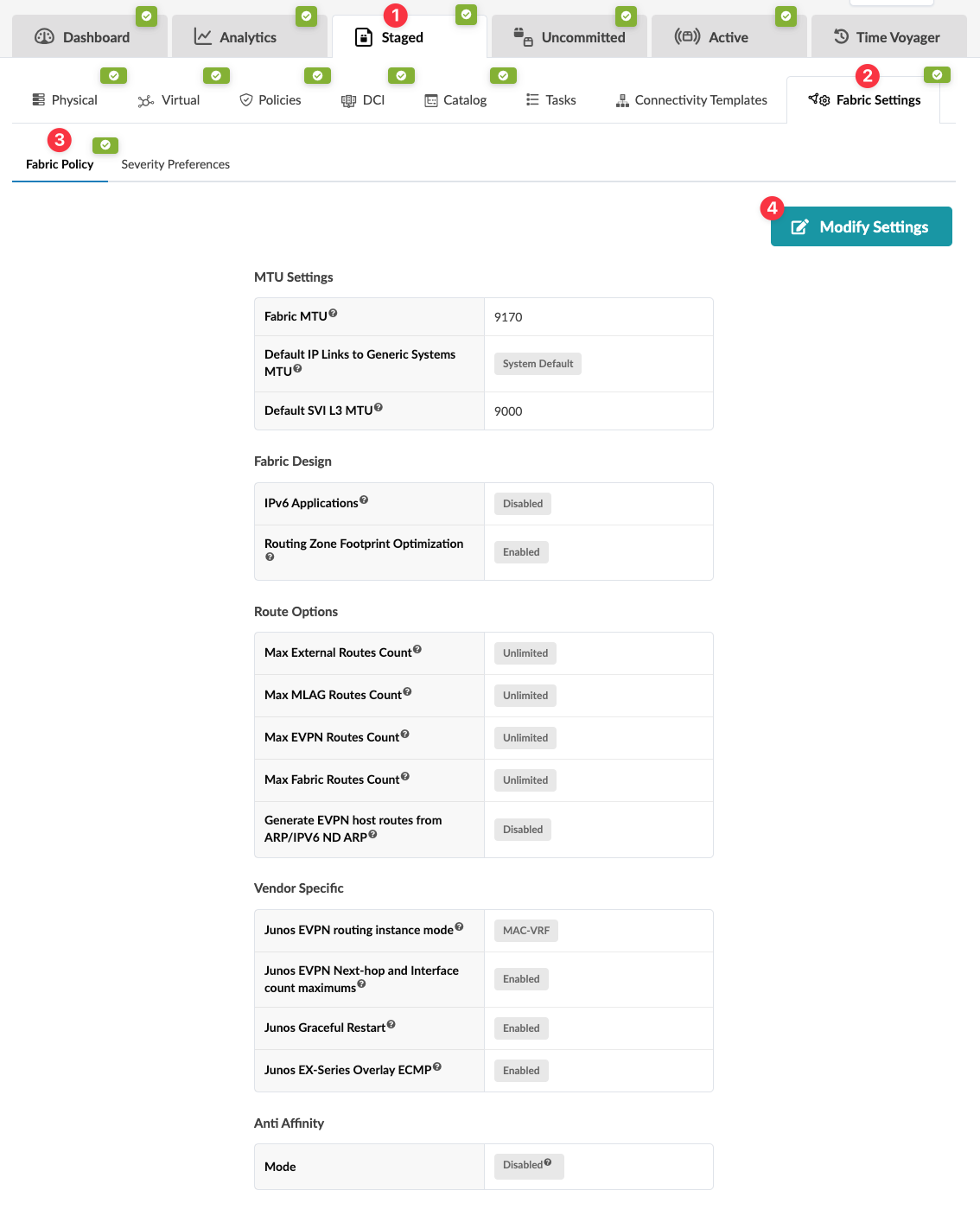
From the blueprint, navigate to Staged > Fabric Settings > Fabric
Policy and click Modify Settings.
 The Modify Fabric Policy Settings dialog opens.
When you're ready to activate your changes, commit them from the Uncommitted tab.