Manage Link Tags (Freeform)

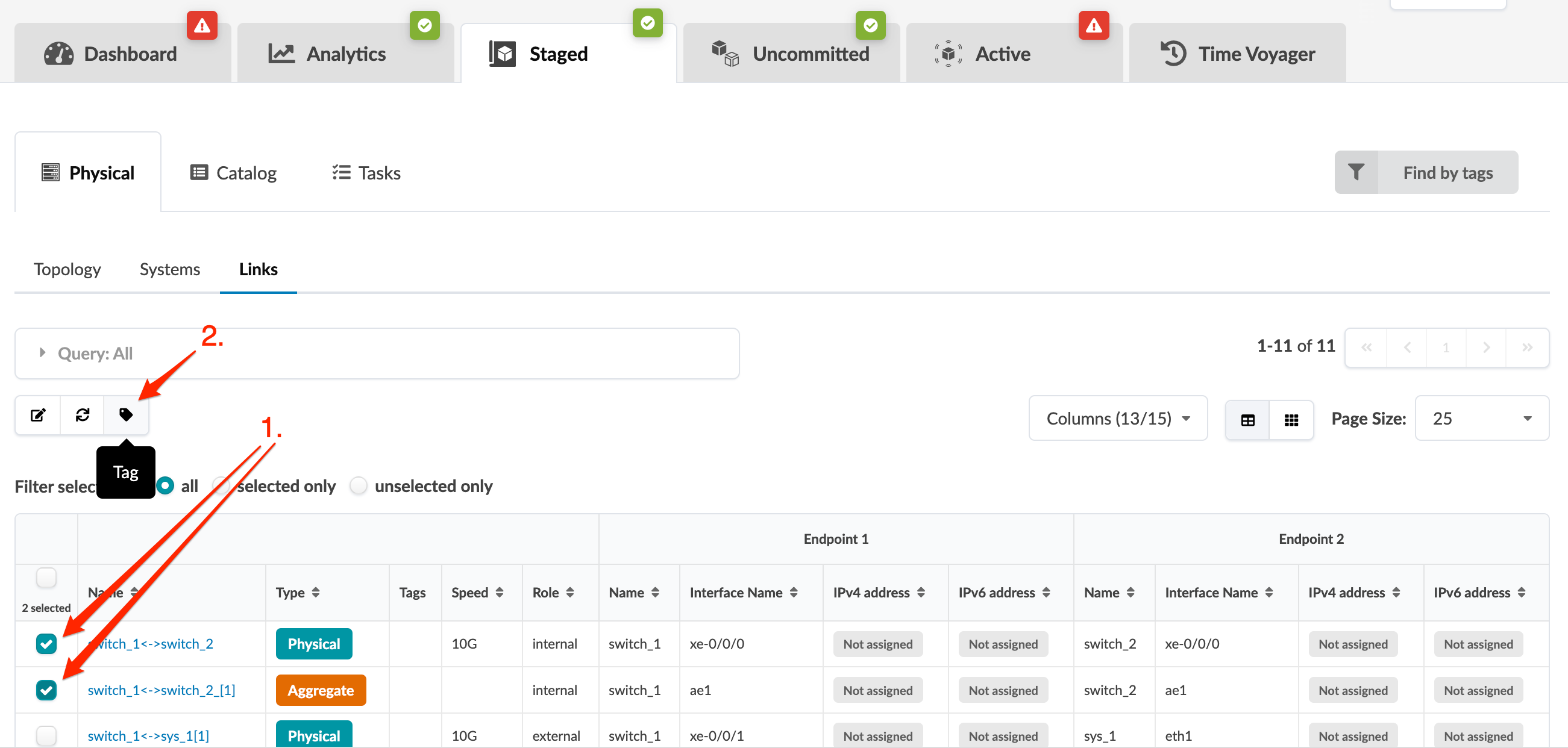
  1. From the blueprint, navigate to Staged > Physical > Links and select one or more check boxes for the links to manage.
    Network management interface showing tabs for Dashboard, Analytics, Staged, Uncommitted, Active, and Time Voyager. The Physical section under Links displays a table of network links with details like name, type, tags, speed, role, and endpoint information. A Tag button allows tagging of selected links, highlighted with red arrows indicating selection of links and tagging action.
  2. Click the Tag button that appears above the list after selecting link(s).
  3. In the dialog, add and/or remove tags, as needed.
  4. Click Add/Remove Tags to stage the changes and return to the Links view.