Upgrade Apstra Flow on the Same VM (in-Place)
This topic provides instructions on how to upgrade your Apstra Flow configuration on the same VM. This process is referred to as an "in-place" upgrade.
Upgrade Apstra Flow
Make sure to upgrade to the latest Apstra version before running the upgrade file. Navigate to Platform > About in the Apstra GUI to find the current version. The version also appears in the left navigation menu under the Juniper Apstra logo. For step-by-step upgrade instructions, see the Juniper Apstra Installation and Upgrade Guide.
To automatically upgrade Apstra Flow:
-
Check that your services are active and running.
Run the following commands to see the status of the flowcollector, opensearch, and opensearch-dashboard services:
sudo systemctl status flowcoll.service
sudo systemctl status opensearch.service
sudo systemctl status opensearch-dashboards.service
Flow collector service status:sudo systemctl status flowcoll.service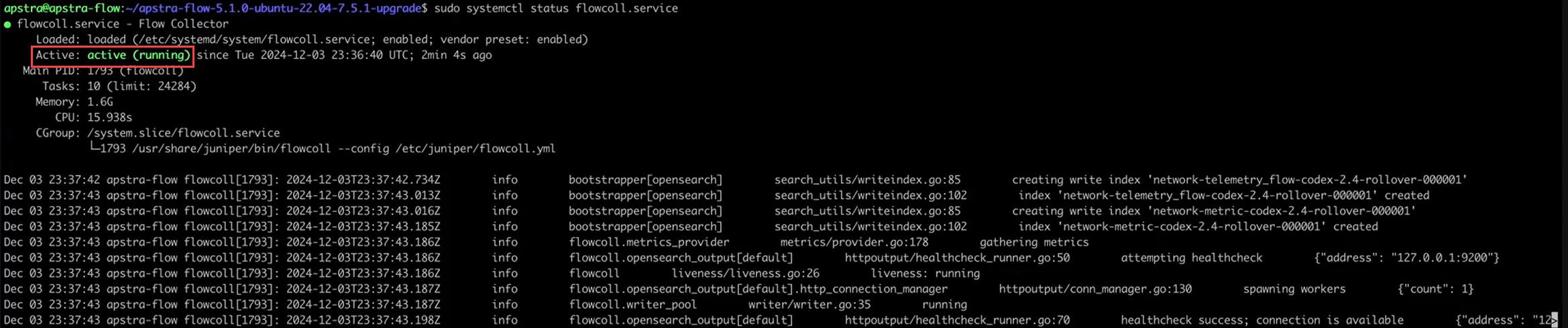 OpenSearch service status:
sudo systemctl status opensearch.service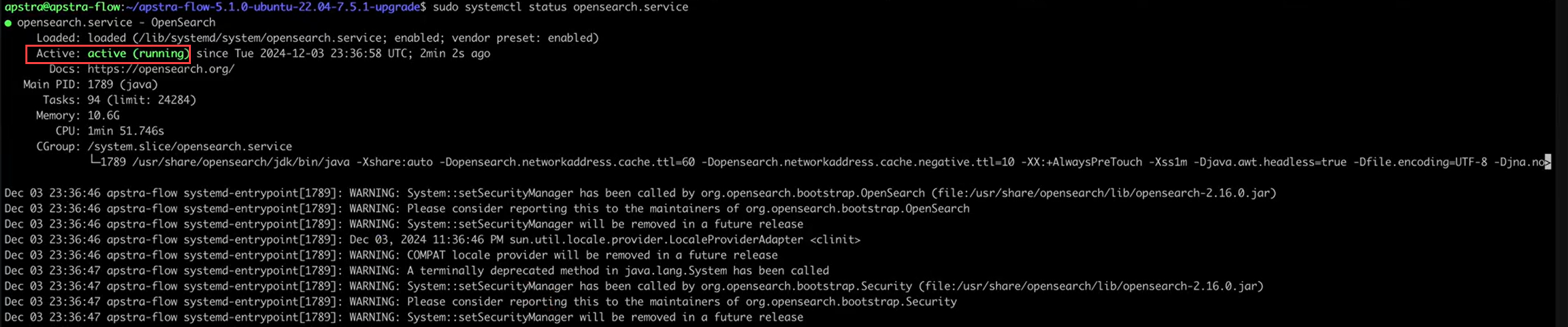 OpenSearch dashboards service:
sudo systemctl status opensearch-dashboards.service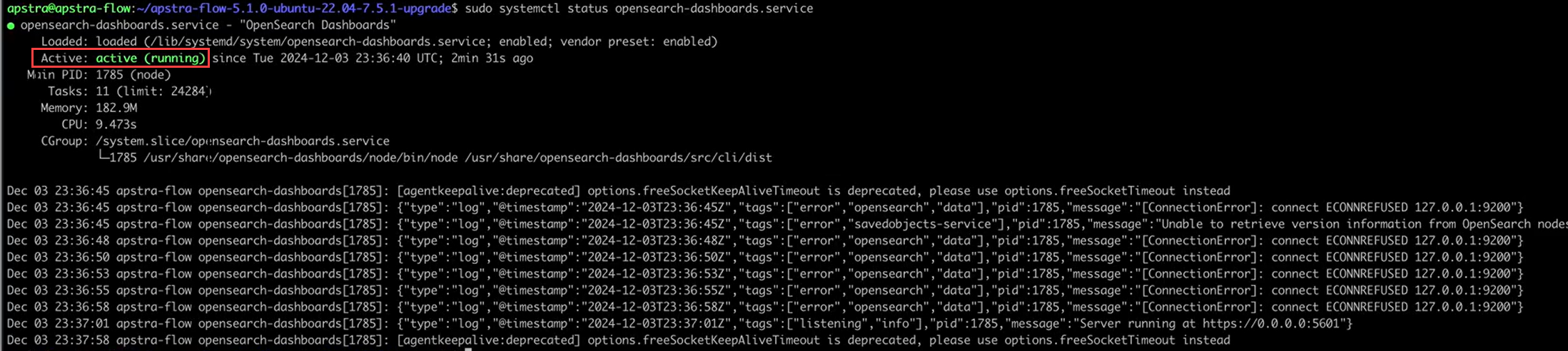
-
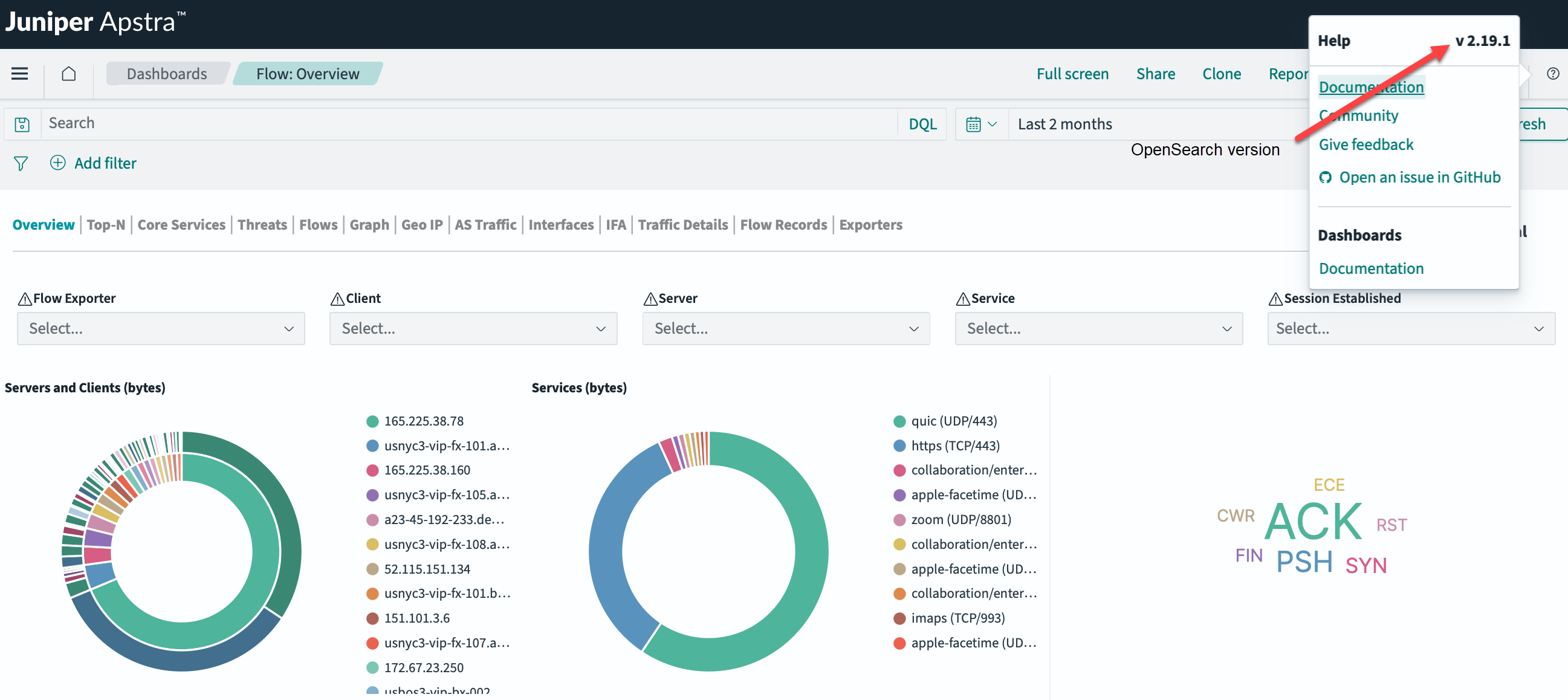
Reopen the Flow: Overview dashboard from the Apstra GUI. Use the
Help "?" icon to confirm that the OpenSearch version is v2.19.1.