Log Out User
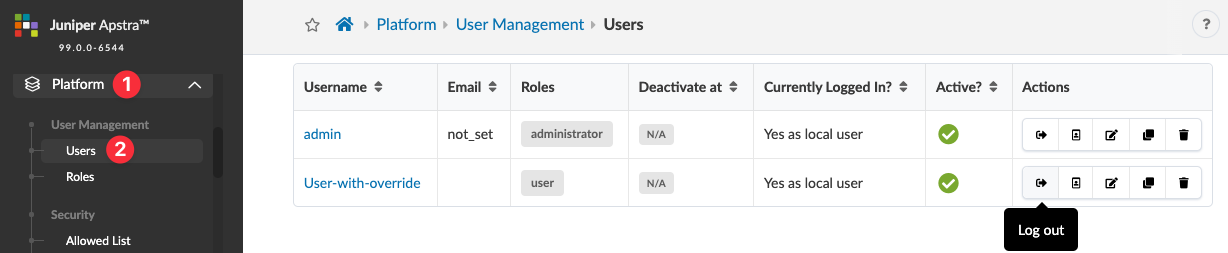
From the left navigation menu, navigate to
Platform > User Management > Users
and click the
Log Out
button in the
Actions
panel, for the user. The user is logged out of the Apstra environment.