Import Cabling Map (Datacenter)
You can export a cabling map either as a JSON file or a CSV
file, but you can only import it as a JSON file.
-
From the blueprint, navigate to Staged > Physical > Links
and click the Import cabling map button (first of five buttons
above the links list).
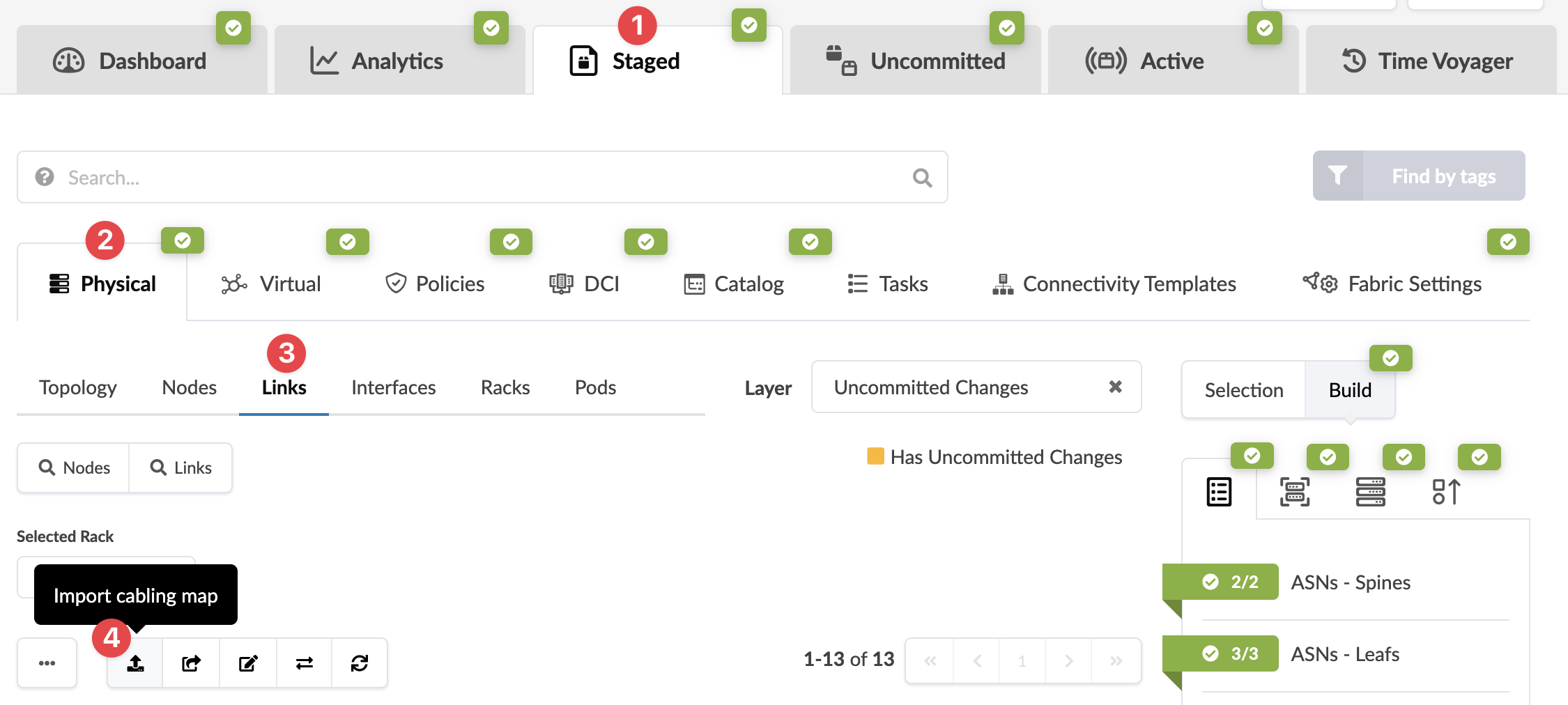 The Import Cabling Map dialog opens.