Update Probe
Editing a probe affects any widgets and dashboards that are
associated with it.
-
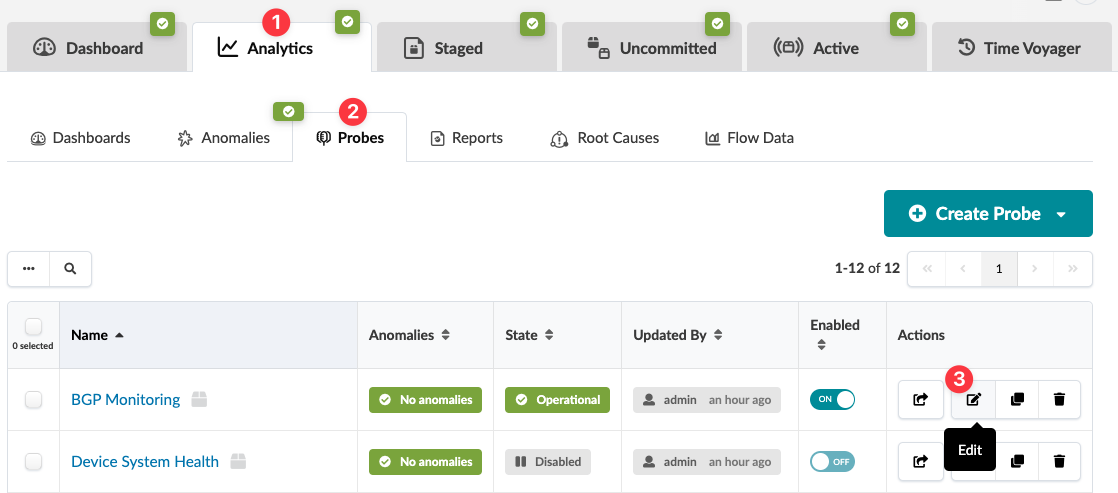
From the blueprint, navigate to Analytics > Probes and click
the Edit button in the Actions panel for the
probe to update.
 The Edit Predefined Probe dialog opens.