Create Datacenter Blueprint
Datacenter blueprints are created from templates. Make sure a suitable template exists in the global catalog (Design > Templates).
-
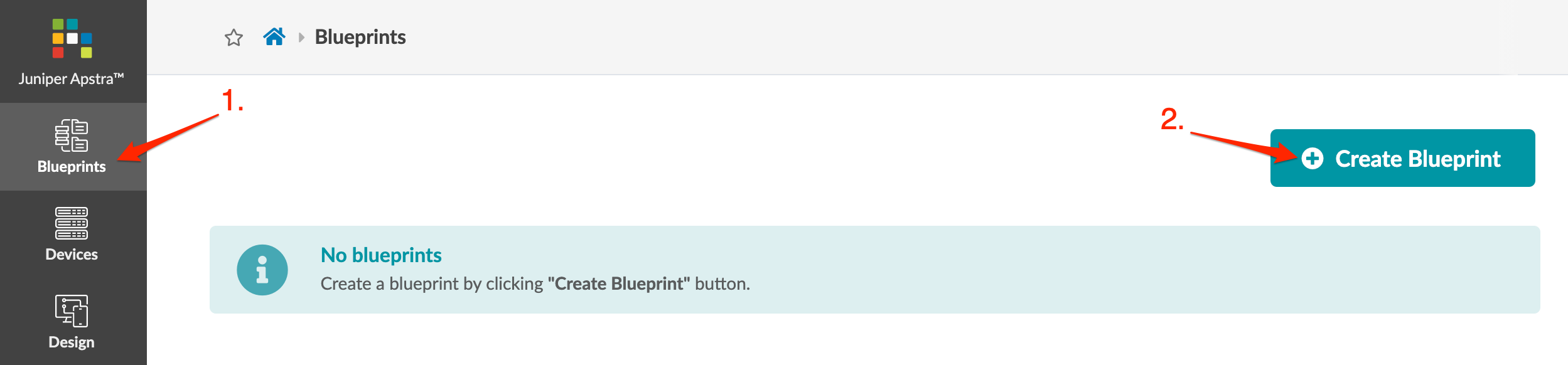
From the left navigation menu in the Apstra GUI, click
Blueprints, then click Create Blueprint.
- Enter a unique name and select a template from the Template drop-down list. A preview shows template parameters, topology preview, structure, external connectivity, and policies.
- Click Create to create the blueprint and return to the blueprint summary view.
Next Steps: Assign Resources.