Configure Your Network and Flow Collector
Note:
Before you begin the configuration, make sure that you download the image file for your virtualization platform. See your platform documentation for details.
Note:
If you are using KVM, you can install it with Virtual Machine Manager or with the CLI.
Let's get started!
Configure Your Network
Note:
If you have a DHCP server, by default, the Apstra Flow VM automatically obtains an IP address. To assign a static IP address instead, SSH to the VM and skip to Step 2 in this procedure. Otherwise, start at Step 1.
-
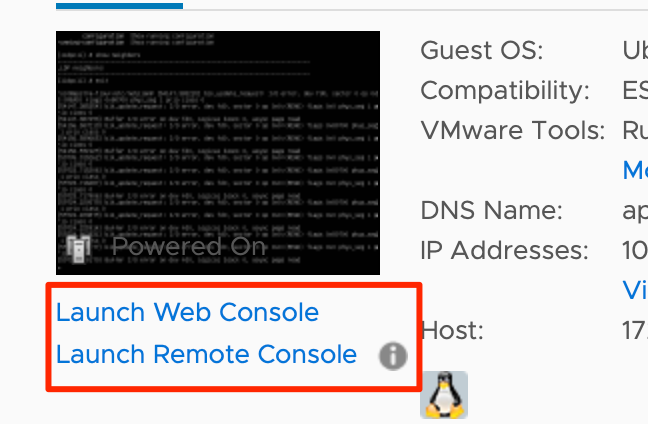
Start a console to the Apstra Flow VM. If the console is already started,
click the play button
 at the top of the VM summary.
Configure the Flow Collector
You can configure the collector to specify:
-
The Apstra controller hostname or IP address.
-
The port the collector is listening on.
-
The username and password for the Apstra controller.
To configure the flow collector:
Next, continue to Apply Your License.