Step 1: Begin
In this Quick Start, we provide a simple, three-step path to quickly get you up and running with HPE Mist. You'll create your account and organization, activate your subscriptions, set up your first site, and add your administrator accounts.
Create Your Account and Organization
To access the HPE Mist management portal, the first
thing that you need to do is create an account.
-
Enter a name for your organization.
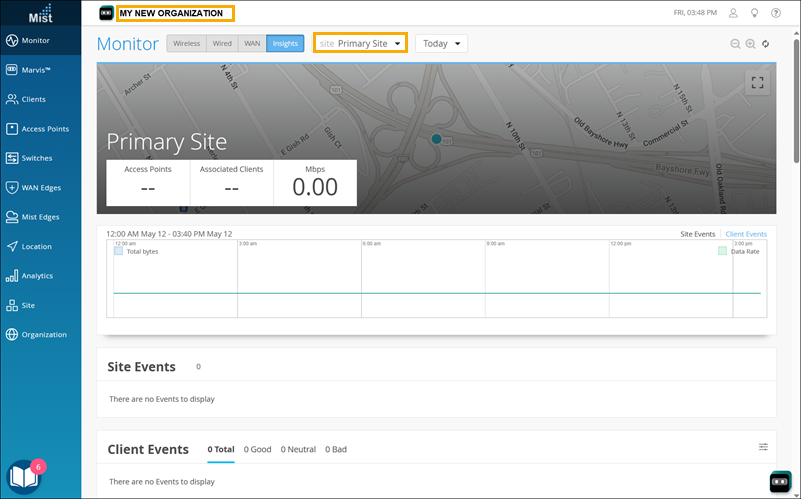
Your organization name appears at the top of the page. When you created the organization, HPE Mist also created your first site, as shown on the Monitor page. Your account has Super User permissions, giving you access to all areas of the portal.