添加主隧道
要切换到修改模式,请单击“修改”模式按钮。“修改”下拉菜单将被激活。
从“修改”下拉菜单中选择 “修改>元素>隧道” 。在 Tunnels 窗口中,单击 Add 并选择 One Tunnel。显示 Add Tunnel 窗口,如 图 1 所示。
图 1:添加隧道窗口 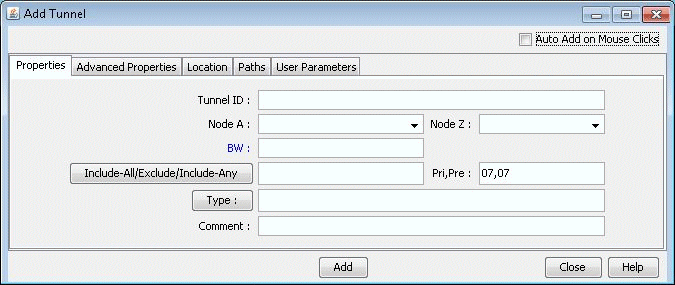
在“属性”选项卡中,指定 TunnelID、隧道的 BW(带宽)和 Pri,Pre(设置优先级/保留优先级)字段。还要选择源节点和目标节点(节点 A 和节点 Z)。
在 Paths 选项卡中,请注意在 To choose paths 字段下配置路径的不同方法。
图 2:选择路径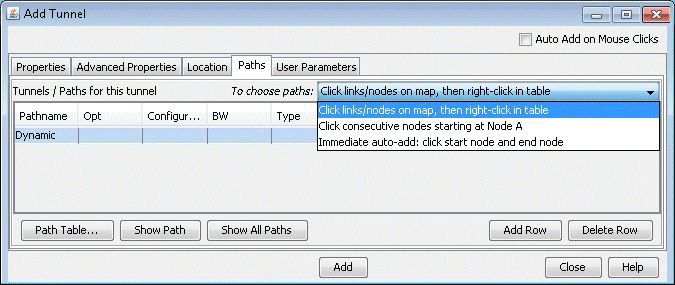 的不同方法
的不同方法
的不同方法
本章稍后将介绍如何指定配置和/或动态路由。
指定路线后,单击 “添加” 以添加隧道。源和目标之间将在地图上绘制一条黄线,以表示逻辑隧道。请注意,隧道的路由尚未执行。