数据中心/应用操作
使用操作仪表板解决影响数据中心或应用的问题。
当您单击“操作”仪表板上的“ 数据中心/应用程序 ”按钮时,您将看到所有可用操作的列表。然后,可以单击操作以进一步调查。
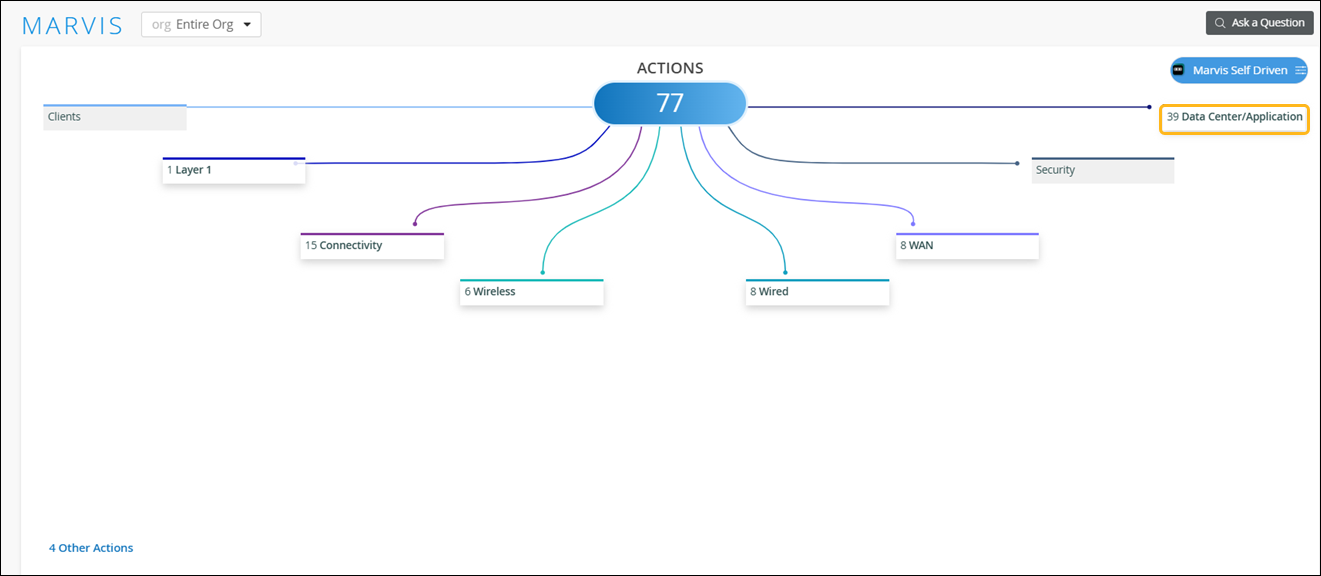
数据中心操作
如果您使用瞻博网络 Mist 管理企业网络,并使用 Juniper Apstra 管理数据中心,您可以单击 “数据中心操作” 以快速查看数据中心 Marvis 虚拟网络助手收集的数据。
注意:
要使 数据中心操作 可见,您必须在瞻博网络 Mist 门户和 Juniper Apstra 云服务门户中执行一些配置。请参阅 访问 Apstra 云服务。
单击 “Data Center Actions”后,Juniper Apstra 云服务门户中的 Marvis 操作页面将显示新的浏览器窗口或选项卡。见 图 1。
注意:
要启动 Apstra 云服务门户,您需要一个提供对 Marvis 操作(组织级视图)访问权限的用户角色。
图 1:Juniper Apstra 云服务门户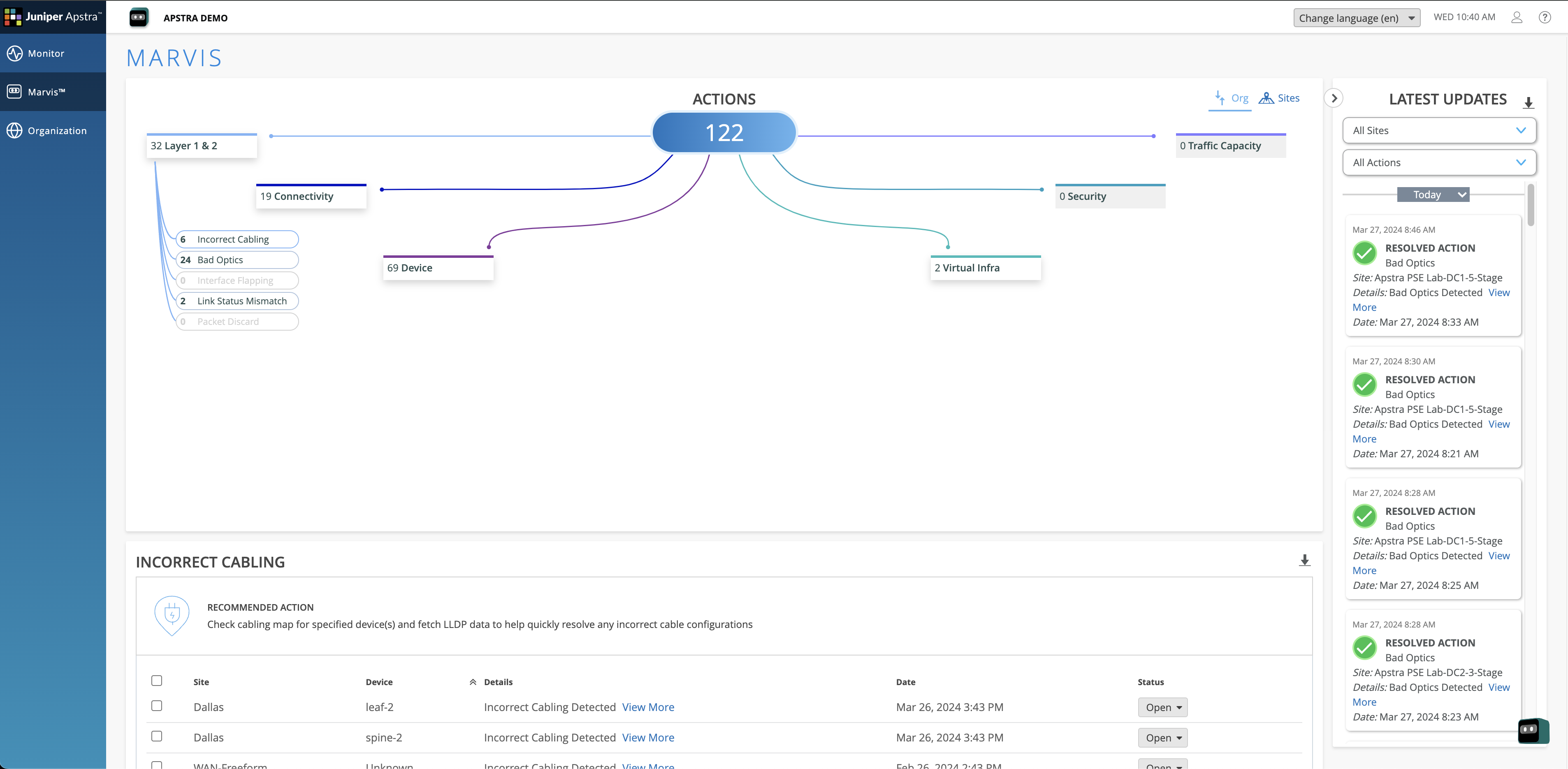 上的 Marvis 操作页面
上的 Marvis 操作页面
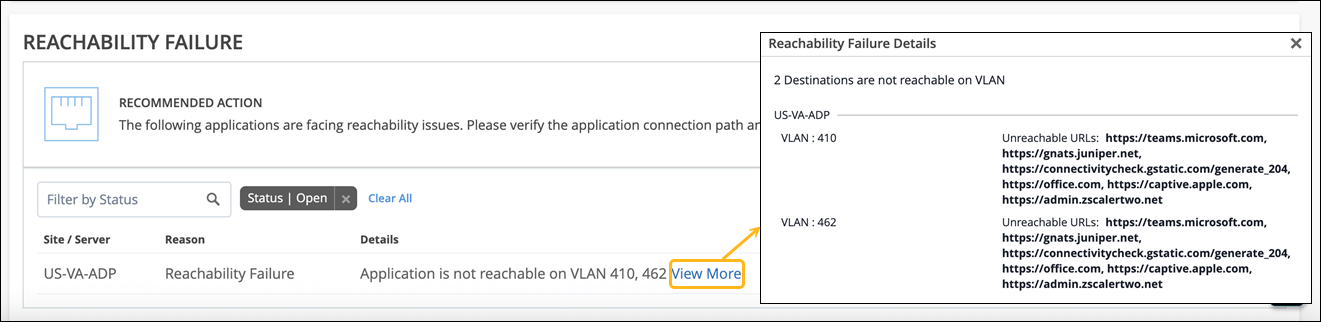
可达性故障
Marvis 会将 Marvis Minis 检测到的应用可达性故障作为操作突出显示。Marvis Minis 会验证应用可达性作为其验证的一部分。
虽然 Marvis Minis 页面提供了针对 DHCP、ARP、DNS 和应用可达性运行的验证的详细信息,而“可达性失败”操作侧重于 Marvis Minis 识别的应用可达性故障。应用可访问性是用户体验的关键,此操作可让你及早发现问题,并使您能够在问题影响用户之前解决问题。